

Your graphics add a nice touch to my presentations and I recently used them for one of my all-hands meetings. Your toolbox adds professionalism to my slides. Instead of using standard clipart.
Claude Jones, Director of Engineer, @Walmartlabs, USA

Your graphics add a nice touch to my presentations and I recently used them for one of my all-hands meetings. Your toolbox adds professionalism to my slides. Instead of using standard clipart.
Claude Jones, Director of Engineer, @Walmartlabs, USA
I needed a fresh look at some of my slides. I've tried to find a way to create a paintbrush effect, to underline, accentuate, add some color and the handwritten markers were just the things. Very easy to use, easy to size, change the color. It was an affordable, perfect solution and I'm happy to recommend it.
Anonymous, US
The crisp, clean look of the graphics, and the fact that it allowed me to easily edit and change the colors to match the template was my main reason for purchasing them.
Brandie Jenkins, E-learning Developer, USA
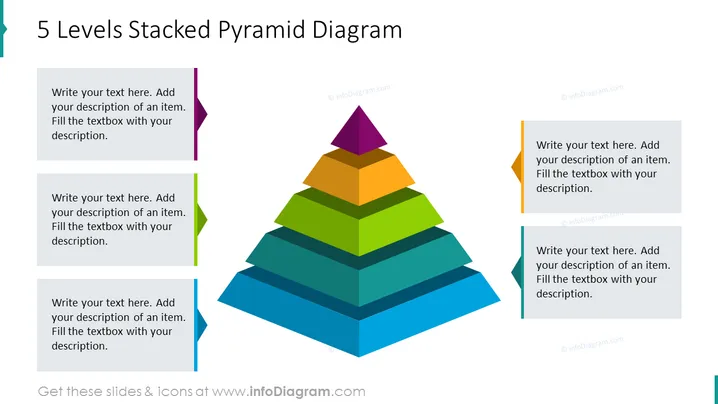
The "5 Levels Stacked Pyramid Diagram" showcases a hierarchical structure with five colored layers, each representing a different level that can be customized with specific descriptions. These layers can symbolize progressive stages in a process, levels of priority, or stages of development. Starting from the base, the layers are colored in shades of blue, green, orange, and yellow, culminating in a purple apex, guiding the viewer to understand the tiered relationship where each segment builds upon the preceding one.
The slide presents a clean and modern design with a clear focus on the multicolored pyramid diagram. The use of various colors not only adds visual interest but also allows for easy differentiation between the hierarchical levels.



