Reviews
Your slides are my 'secret sauce' when it comes to visualising my ideas to clients. I'm saving so much time.
InfoDiagram has been a wonderful resource since I found the product site a few years ago.
Your slides often generate good comments and ideas from my team that improve the final slides.
Description
Flat Icons for Fishbone Diagrams (extendable)
Slide Content
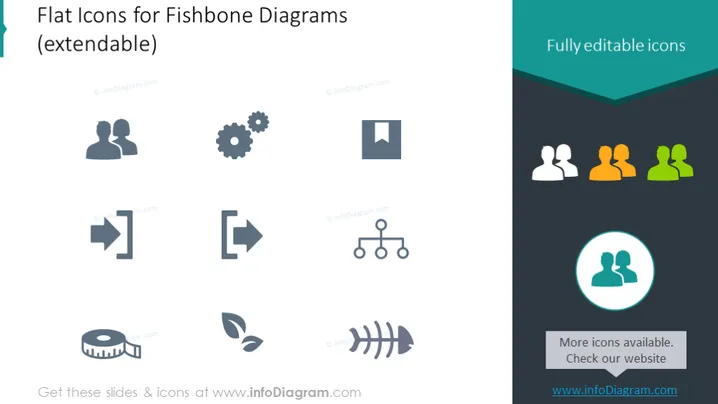
The slide presents a collection of flat icons specifically designed for use in Fishbone Diagrams, which are analytical tools used for root cause analysis. A mix of icons represents various aspects like people, processes, and technology, emphasizing that these symbols are fully editable and can be extended for different uses. Each icon is a visual representation of a factor that might be considered in a Fishbone Diagram: human resources, mechanical elements, documentation, redirection, connectivity, analytics, sustainability, and more.
Graphical Look
- The slide background is primarily white with a dark teal header containing the title in white text.
- In the header, on the right side, there's a phrase "Fully editable icons" highlighted in a lighter teal.
- A collection of twelve icons is organized in a 3x4 grid, with each icon in a different shade of gray, suggesting varying levels of emphasis or importance.
- Icons include those representing human resources, gears, documents, arrows indicating direction, networking, data analysis (pie chart), environmental sustainability (leaves), and another human resources symbol highlighted with a teal circle around it.
- The right side of the slide has three icons, each associated with a different color (orange, yellow, green) that may represent different teams or aspects in a Fishbone Diagram.
- A small text box at the bottom right corner with a teal background provides information on where more icons are available, directing to a website.
The slide is designed with a clean and professional look, using simple colors and clear icons for easy interpretation. The varied shades and colors of the icons suggest a customizable approach to diagramming, emphasizing the editable nature of the presentation elements.
Use Cases
- To illustrate different components in a root cause analysis during a business process improvement presentation.
- To customize and create Fishbone Diagrams in quality management meetings, highlighting various contributors to an issue.
- To enhance visual communication in training materials for problem-solving techniques like Six Sigma or lean management.
- In project management presentations to facilitate discussion on potential project risks and their sources.
How to Edit
How to edit text & colors

How to expand / shorten diagram

How to Replace Icons in infoDiagram PPT


