

Your graphics add a nice touch to my presentations and I recently used them for one of my all-hands meetings. Your toolbox adds professionalism to my slides. Instead of using standard clipart.
Claude Jones, Director of Engineer, @Walmartlabs, USA

Your graphics add a nice touch to my presentations and I recently used them for one of my all-hands meetings. Your toolbox adds professionalism to my slides. Instead of using standard clipart.
Claude Jones, Director of Engineer, @Walmartlabs, USA
I needed a fresh look at some of my slides. I've tried to find a way to create a paintbrush effect, to underline, accentuate, add some color and the handwritten markers were just the things. Very easy to use, easy to size, change the color. It was an affordable, perfect solution and I'm happy to recommend it.
Anonymous, US
The crisp, clean look of the graphics, and the fact that it allowed me to easily edit and change the colors to match the template was my main reason for purchasing them.
Brandie Jenkins, E-learning Developer, USA
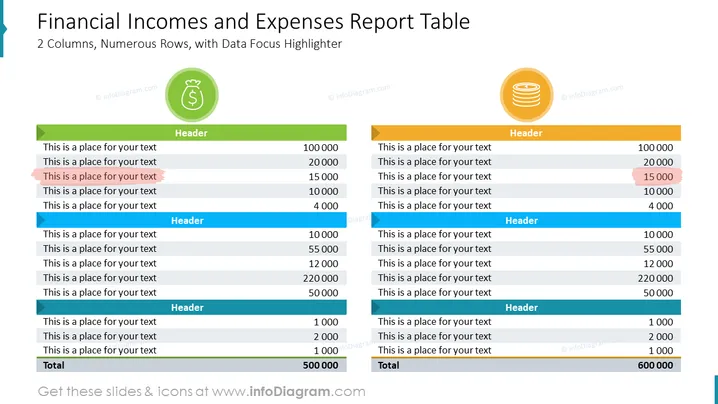
The PowerPoint slide titled "Financial Incomes and Expenses Report Table" displays a table comparing financial incomes and expenses, with a focus on data visualization through 2 columns and numerous rows. Each column has a unique color to distinguish between the two categories: income is associated with green, and expenses with gold. There is a total line at the bottom, signifying the summation of the listed financial figures. Highlighted rows draw attention to specific items of importance, indicating a data focus highlighter feature.
The visual composition of the slide is geared toward clarity and readability, with prominent use of color coding and icons to differentiate between income and expense categories. The bold color highlights within the tables serve to draw attention to particular rows, indicating significant figures.



