Reviews
Your graphics add a nice touch to my presentations and I recently used them for one of my all-hands meetings. Your toolbox adds professionalism to my slides. Instead of using standard clipart.
I needed a fresh look at some of my slides. I've tried to find a way to create a paintbrush effect, to underline, accentuate, add some color and the handwritten markers were just the things. Very easy to use, easy to size, change the color. It was an affordable, perfect solution and I'm happy to recommend it.
The crisp, clean look of the graphics, and the fact that it allowed me to easily edit and change the colors to match the template was my main reason for purchasing them.
Description
Feedback conclusions
Slide Content
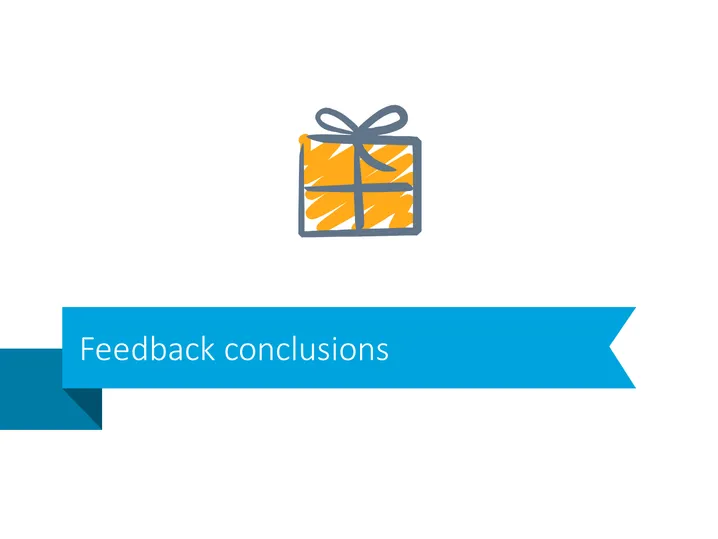
The PowerPoint slide is titled "Feedback conclusions" and is likely used to summarize the key outcomes, insights, or action points derived from feedback received. However, the slide presented only includes the title without additional points or data which would ordinarily elaborate on the conclusions reached from the feedback.
Graphical Look
- The slide has a minimalist design with a clean white background.
- The title "Feedback conclusions" is positioned inside a wide blue ribbon banner on the lower part of the slide, giving it a bookmark-like appearance.
- Just above the blue ribbon on the left side, there is a square icon representing a gift or present, with an orange and yellow pattern and a grey ribbon on it.
- The font color of the title is white, contrasting with the blue banner for easy reading.
- There are no other texts, graphics, or visual elements present on the slide.
The overall look of the slide is professional and straightforward, with a contemporary design that uses contrast and minimalism for clarity and focus.
Use Cases
- Presenting summarized outcomes of customer feedback sessions during a company-wide meeting.
- Concluding points from employee feedback in a human resources presentation on workforce sentiment.
- Displaying the results of user testing or market research feedback in a product development meeting.
- Providing summarized feedback conclusions at the end of a project wrap-up or post-mortem presentation.
How to Edit
How to edit text & colors

How to expand / shorten diagram

How to Replace Icons in infoDiagram PPT


