Reviews
Your slides are my 'secret sauce' when it comes to visualising my ideas to clients. I'm saving so much time.
InfoDiagram has been a wonderful resource since I found the product site a few years ago.
Your slides often generate good comments and ideas from my team that improve the final slides.
Description
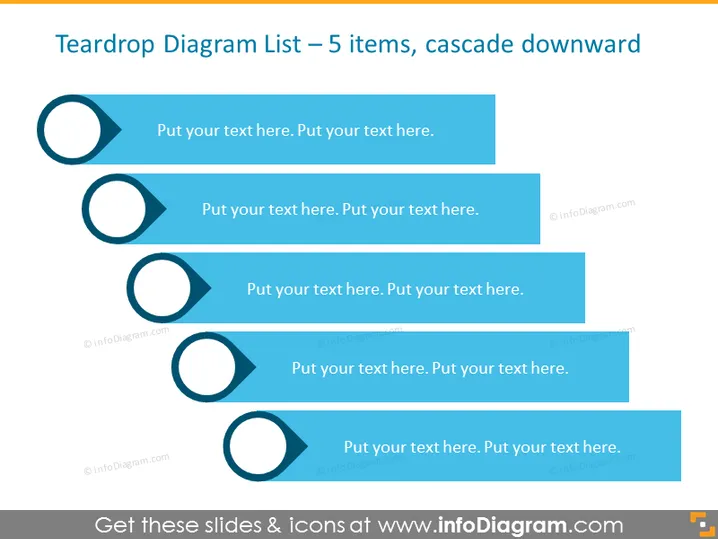
Teardrop Diagram List – 5 items, cascade downward
Slide Content
The slide is designed to present a list of 5 elements in a cascading teardrop format. Each teardrop serves as a bullet point, symbolizing a progression or a sequence of steps. The text next to each teardrop provides space for a brief explanation or description, allowing the presenter to elaborate on each item. This format is ideal for representing a flow, time progression, or prioritization of topics where the largest, most prominent items are placed at the top.
Graphical Look
- Five large, blue teardrop shapes are aligned vertically on the left-hand side.
- Each teardrop is connected to a corresponding rectangular text box with space for descriptive text.
- The text boxes are staggered with their right edges aligned, creating a cascading effect.
- The design utilizes a blue color scheme, with lighter shades on the upper boxes and progressively darker shades on the lower boxes.
- The teardrops have a hollow circle cutout on their right side, which seamlessly blends with the left side of the text boxes.
The overall look of the slide is clean and modern, with a professional color palette. The cascading effect of the boxes provides a visual representation of hierarchy or progression.
Use Cases
- Outlining a step-by-step process or workflow in a business presentation.
- Illustrating a sequence of priorities or tasks in project management meetings.
- Presenting a list of services or features in a sales or marketing pitch.
- Demonstrating a timeline or phased approach in strategic planning sessions.
How to Edit
How to edit text & colors

How to expand / shorten diagram

How to Replace Icons in infoDiagram PPT


