Your graphics add a nice touch to my presentations and I recently used them for one of my all-hands meetings. Your toolbox adds professionalism to my slides. Instead of using standard clipart.
Claude Jones, Director of Engineer, @Walmartlabs, USA

Your graphics add a nice touch to my presentations and I recently used them for one of my all-hands meetings. Your toolbox adds professionalism to my slides. Instead of using standard clipart.
Claude Jones, Director of Engineer, @Walmartlabs, USA

I needed a fresh look at some of my slides. I've tried to find a way to create a paintbrush effect, to underline, accentuate, add some color and the handwritten markers were just the things. Very easy to use, easy to size, change the color. It was an affordable, perfect solution and I'm happy to recommend it.
Anonymous, US
The crisp, clean look of the graphics, and the fact that it allowed me to easily edit and change the colors to match the template was my main reason for purchasing them.
Brandie Jenkins, E-learning Developer, USA
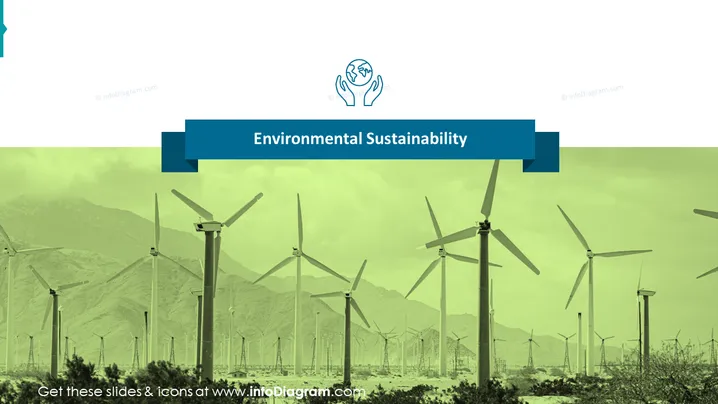
The PowerPoint slide is titled "Environmental Sustainability," which likely represents a section in a presentation dedicated to practices that ensure the preservation and health of our natural environment. The slide would set the context for a detailed discussion on sustainable practices, such as using renewable energy sources, minimizing carbon footprint, and implementing eco-friendly policies in business and communities. Given the generic title, this may also serve as an introduction to broader topics under the umbrella of sustainability.
The slide features a professional and clean design, with a clear focus on the topic of sustainability. The use of thematic colors and icons helps to convey the message of environmental responsibility effectively.


