

Your graphics add a nice touch to my presentations and I recently used them for one of my all-hands meetings. Your toolbox adds professionalism to my slides. Instead of using standard clipart.
Claude Jones, Director of Engineer, @Walmartlabs, USA

Your graphics add a nice touch to my presentations and I recently used them for one of my all-hands meetings. Your toolbox adds professionalism to my slides. Instead of using standard clipart.
Claude Jones, Director of Engineer, @Walmartlabs, USA
I needed a fresh look at some of my slides. I've tried to find a way to create a paintbrush effect, to underline, accentuate, add some color and the handwritten markers were just the things. Very easy to use, easy to size, change the color. It was an affordable, perfect solution and I'm happy to recommend it.
Anonymous, US
The crisp, clean look of the graphics, and the fact that it allowed me to easily edit and change the colors to match the template was my main reason for purchasing them.
Brandie Jenkins, E-learning Developer, USA
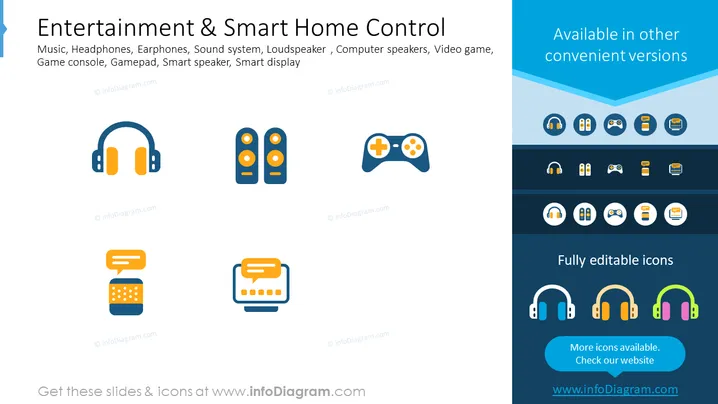
The slide introduces various electronic icons that are integral to modern entertainment and smart home control systems. Music, Headphones, and Earphones signify personal audio devices allowing for music consumption. Sound system and Loudspeaker indicate devices for enhancing audio output in environments. Computer speakers are audio output devices typically used with PCs. Video game elements include a Game console, representing the main gaming device, and a Gamepad, which is the controller for interacting with games. Lastly, Smart speakers and Smart displays denote intelligent devices that integrate with home automation for control and multimedia experiences.
The slide is neatly arranged and has a professional appearance. The use of contrasting colors for icons and backgrounds makes the presentation visually appealing and easy to understand.



