Reviews
Your graphics add a nice touch to my presentations and I recently used them for one of my all-hands meetings. Your toolbox adds professionalism to my slides. Instead of using standard clipart.
I needed a fresh look at some of my slides. I've tried to find a way to create a paintbrush effect, to underline, accentuate, add some color and the handwritten markers were just the things. Very easy to use, easy to size, change the color. It was an affordable, perfect solution and I'm happy to recommend it.
The crisp, clean look of the graphics, and the fact that it allowed me to easily edit and change the colors to match the template was my main reason for purchasing them.
Description
Employee Onboarding Icons. Rating and Value
Slide Content
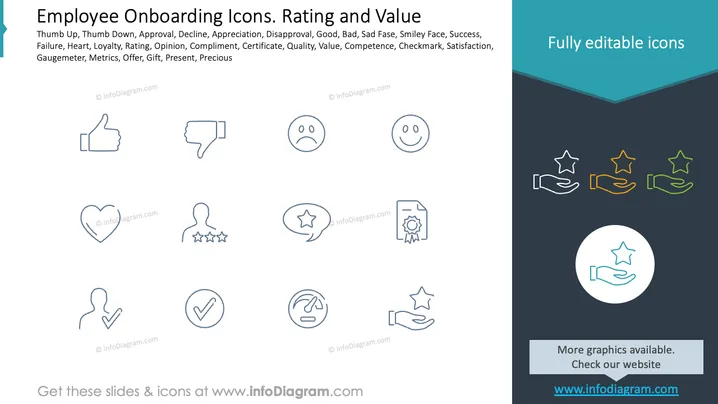
The PowerPoint slide titled "Employee Onboarding Icons. Rating and Value" seems to be part of a presentation about onboarding new employees, focusing on the concepts of feedback and valuation. The slide lists a variety of concepts including "Thumb Up" which typically represents approval or a positive response, "Thumb Down" indicating disapproval or a negative reaction, "Heart" often related to affection or liking something, and "Rating" which could refer to evaluating performance. The list continues with other terms like "Opinion," "Compliment," "Certificate," "Quality," and "Precious," alluding to different aspects of feedback and value assessment during the onboarding process.
Graphical Look
- The slide features a plain white background with a dark blue triangular section in the upper right corner.
- There is a list of words in black text, describing the various icons present on the slide.
- Ten outlined icons are distributed evenly across the slide, representing the items listed: a thumbs up, thumbs down, a heart, a face with a neutral expression, a face with a smile, a chat bubble with a star, a silhouette with stars representing ratings, a checkmark, an upset face inside a gauge (possibly a 'gauge meter'), and a certificate (a document with a ribbon and a seal).
- The icons are all two-dimensional and have a uniform line-based style.
- In the dark blue section, a colored version of the 'ratings' icon (hand with stars) and additional information about fully editable icons are presented.
- In the lower right, a circle highlights the same 'ratings' icon in a larger format.
The slide employs a clean and minimalist design, utilizing icons and text to convey the theme of evaluation and feedback in an employee onboarding context. The colors are limited, primarily using shades of blue to accentuate elements like the title and additional information, while the icons are monochromatic.
Use Cases
- This slide could be used in an HR presentation to introduce the criteria or concepts used to evaluate new employees during the onboarding process.
- It can serve as a discussion starter in training sessions for managers and supervisors about how to provide constructive feedback and recognize employee contributions.
- The icons on the slide could be used to visually represent survey results related to employee satisfaction, performance, or company culture during internal meetings.
- In a workshop setting, the slide might be used to help new employees understand the kinds of feedback they will receive and what value indicators they should aim for in their roles.
How to Edit
How to edit text & colors

How to expand / shorten diagram

How to Replace Icons in infoDiagram PPT


