Reviews
Your graphics add a nice touch to my presentations and I recently used them for one of my all-hands meetings. Your toolbox adds professionalism to my slides. Instead of using standard clipart.
I needed a fresh look at some of my slides. I've tried to find a way to create a paintbrush effect, to underline, accentuate, add some color and the handwritten markers were just the things. Very easy to use, easy to size, change the color. It was an affordable, perfect solution and I'm happy to recommend it.
The crisp, clean look of the graphics, and the fact that it allowed me to easily edit and change the colors to match the template was my main reason for purchasing them.
Description
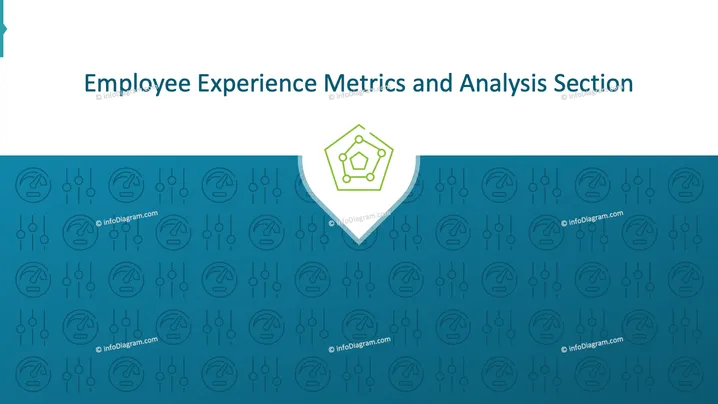
Employee Experience Metrics and Analysis Section
Slide Content
The slide introduces the topic of "Employee Experience Metrics and Analysis Section." It seems to focus on analyzing and measuring employee engagement and satisfaction through various metrics. The metrics likely aim to enhance workplace culture and improve employee retention by systematically evaluating and improving their work environment experiences.
Graphical Look
- The slide has a teal background with geometric patterns and faded icons.
- A white header section at the top displays the slide title in dark blue text for contrast.
- In the center, a white arrow-like shape points downwards, featuring a green pentagon icon inside, symbolizing metrics or analysis.
- The background pattern includes technical symbols representing data or analysis.
The overall look is modern and professional, with a minimalist style that balances information and visual appeal effectively through a structured layout.
Use Cases
- Introducing a section on employee engagement strategies.
- Presenting metrics in human resource meetings.
- Training sessions focused on improving workplace culture.
- Management meetings discussing employee retention efforts.
How to Edit
How to edit text & colors

How to expand / shorten diagram

How to Replace Icons in infoDiagram PPT


