

Your graphics add a nice touch to my presentations and I recently used them for one of my all-hands meetings. Your toolbox adds professionalism to my slides. Instead of using standard clipart.
Claude Jones, Director of Engineer, @Walmartlabs, USA

Your graphics add a nice touch to my presentations and I recently used them for one of my all-hands meetings. Your toolbox adds professionalism to my slides. Instead of using standard clipart.
Claude Jones, Director of Engineer, @Walmartlabs, USA
I needed a fresh look at some of my slides. I've tried to find a way to create a paintbrush effect, to underline, accentuate, add some color and the handwritten markers were just the things. Very easy to use, easy to size, change the color. It was an affordable, perfect solution and I'm happy to recommend it.
Anonymous, US
The crisp, clean look of the graphics, and the fact that it allowed me to easily edit and change the colors to match the template was my main reason for purchasing them.
Brandie Jenkins, E-learning Developer, USA
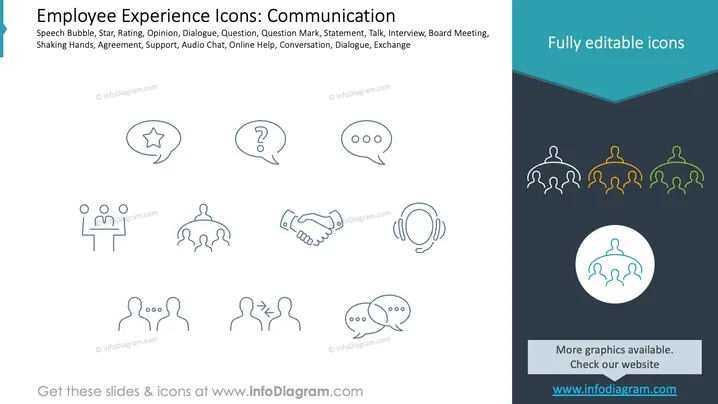
The slide contains a series of icons related to communication in the workplace. These include a speech bubble, symbolizing dialogue and conversation; a star, representing rating or opinion; a question mark, indicating inquiries or questions; and three chat dots, suggesting online help or audio chat. Additional icons illustrate a board meeting, handshake for agreement, headset for support, and face-to-face interaction for personal exchanges.
Overall, the slide is designed to be both informative and visually appealing, with clear iconography suitable for business contexts. The balanced composition adds to its usability in presentations.



