Reviews
Your graphics add a nice touch to my presentations and I recently used them for one of my all-hands meetings. Your toolbox adds professionalism to my slides. Instead of using standard clipart.
I needed a fresh look at some of my slides. I've tried to find a way to create a paintbrush effect, to underline, accentuate, add some color and the handwritten markers were just the things. Very easy to use, easy to size, change the color. It was an affordable, perfect solution and I'm happy to recommend it.
The crisp, clean look of the graphics, and the fact that it allowed me to easily edit and change the colors to match the template was my main reason for purchasing them.
Description
Icons: Documents, Reports, Analysis
Slide Content
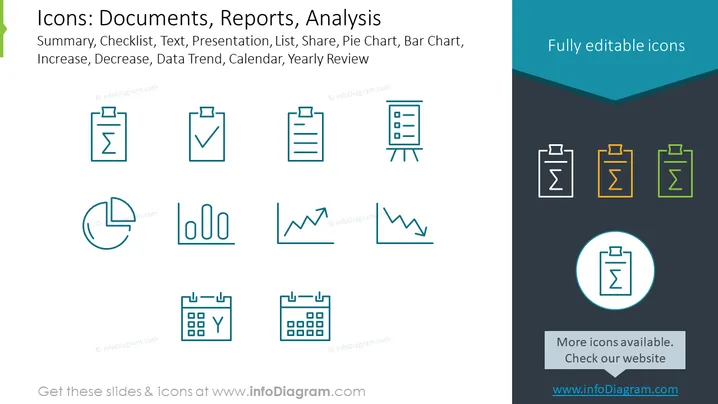
The slide presents a collection of icons associated with documents, reports, and analysis, suitable for business and academic presentations. "Summary" is likely indicative of a condensed version of information, "Checklist" implies items to be reviewed or actions to be taken, "Text" could represent written content or document focus, "Presentation" hints at showcasing information, "List" may suggest itemization, "Share" conveys distribution or collaboration, "Pie Chart" and "Bar Chart" indicate data visualizations, "Increase" and "Decrease" show upward or downward trends, "Data Trend" signifies analyzing data over time, and "Calendar" and "Yearly Review" suggest scheduling or annual summarization.
Graphical Look
- The slide title is prominently displayed at the top in bold, dark blue text.
- A subtitle below the title describes the icons in lighter blue.
- Icons are arranged in three rows, with outlines in a teal blue color.
- Each icon graphically represents its function, such as a checkmark for Checklist or graphs for Increase and Decrease.
- The slide background is white in the center with a darker blue header that has a cutout wave design transitioning to the main area.
- The words "Fully editable icons" are situated in the dark blue header area in white text.
- Icons are grouped with three on the top row, five in the middle, and two on the bottom row.
- One icon is encircled and enlarged, emphasizing its significance.
The slide has a clean and modern design with a cool color scheme that effectively highlights the icons. The overall layout is balanced and easy to navigate visually.
Use Cases
- Utilize in business meetings to discuss documentation or report development stages.
- Integrate into training materials to symbolize various analytical tools or practices.
- Employ in project updates to visually represent the types of data analysis being conducted.
- Embed in marketing pitches to illustrate capabilities for data analysis and report generation offered by a software or service.
How to Edit
How to edit text & colors

How to expand / shorten diagram

How to Replace Icons in infoDiagram PPT


