

Your graphics add a nice touch to my presentations and I recently used them for one of my all-hands meetings. Your toolbox adds professionalism to my slides. Instead of using standard clipart.
Claude Jones, Director of Engineer, @Walmartlabs, USA

Your graphics add a nice touch to my presentations and I recently used them for one of my all-hands meetings. Your toolbox adds professionalism to my slides. Instead of using standard clipart.
Claude Jones, Director of Engineer, @Walmartlabs, USA
I needed a fresh look at some of my slides. I've tried to find a way to create a paintbrush effect, to underline, accentuate, add some color and the handwritten markers were just the things. Very easy to use, easy to size, change the color. It was an affordable, perfect solution and I'm happy to recommend it.
Anonymous, US
The crisp, clean look of the graphics, and the fact that it allowed me to easily edit and change the colors to match the template was my main reason for purchasing them.
Brandie Jenkins, E-learning Developer, USA
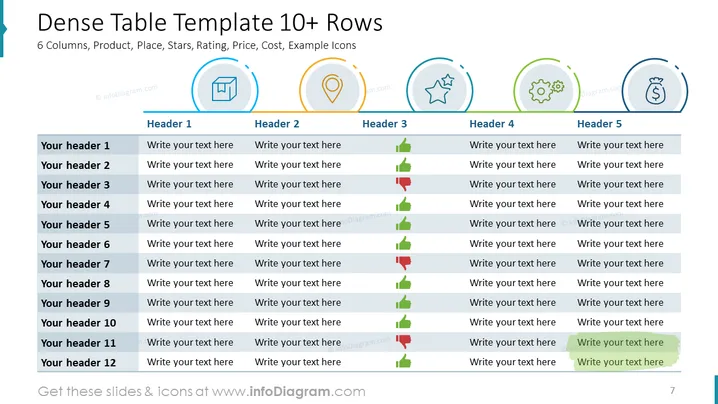
The slide is titled "Dense Table Template 10+ Rows" and presents a comprehensive comparison table with 6 columns and 12 rows. Each column has a unique header such as "Product," "Place," "Stars," "Rating," "Price," "Cost," and is visually represented by icons like a box, a location pin, a star, a gear, and a dollar sign. The slide layout is designed to compare and contrast multiple items across various categories. For each row labeled "Your header 1" through "Your header 12", a space labeled "Write your text here" is provided for detailed input, with included up and down arrows indicating trend or performance rating relative to the category.
The slide is clean, with a professional and structured layout utilizing a consistent color scheme that combines blue, gray, and orange accents to distinguish between different elements.



