Reviews
Your slides are my 'secret sauce' when it comes to visualising my ideas to clients. I'm saving so much time.
InfoDiagram has been a wonderful resource since I found the product site a few years ago.
Your slides often generate good comments and ideas from my team that improve the final slides.
Description
Cybersecurity Icons Value and Rating
Slide Content
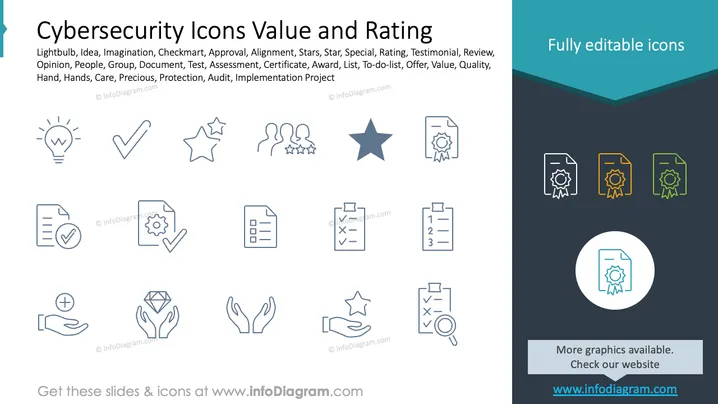
This slide presents various icons related to cybersecurity, focusing on value and rating assessments. The icons include:
- Lightbulb: Represents ideas or imagination.
- Checkmark: Signifies approval or alignment.
- Stars: Indicate rating or special recognition.
- People: Refers to opinions or testimonials.
- Document: Used for assessments or certificates.
- Hand Icons: Symbolize care or protection.
- Clipboards: Represent to-do lists or audits.
Graphical Look
- The slide features a white background with dark blue and teal accents.
- Icons are uniformly styled in a thin, minimalistic line art format.
- The icons are organized in a grid layout, providing neat visual symmetry.
- Right side has a dark teal panel with the label "Fully editable icons" and small icon variations.
- The main icons are shown in blue, while the teaser icons are white, orange, and green.
The slide maintains a clean and professional aesthetic, with a focus on minimal, clear iconography to convey complex concepts efficiently. The neat arrangement aids in quick understanding.
Use Cases
- Ideal for cybersecurity strategy presentations.
- Useful in training sessions on accreditation.
- Great for project planning discussions in IT.
- Effective in illustrating quality assurance processes.
How to Edit
How to edit text & colors

How to expand / shorten diagram

How to Replace Icons in infoDiagram PPT


