

Your graphics add a nice touch to my presentations and I recently used them for one of my all-hands meetings. Your toolbox adds professionalism to my slides. Instead of using standard clipart.
Claude Jones, Director of Engineer, @Walmartlabs, USA

Your graphics add a nice touch to my presentations and I recently used them for one of my all-hands meetings. Your toolbox adds professionalism to my slides. Instead of using standard clipart.
Claude Jones, Director of Engineer, @Walmartlabs, USA
I needed a fresh look at some of my slides. I've tried to find a way to create a paintbrush effect, to underline, accentuate, add some color and the handwritten markers were just the things. Very easy to use, easy to size, change the color. It was an affordable, perfect solution and I'm happy to recommend it.
Anonymous, US
The crisp, clean look of the graphics, and the fact that it allowed me to easily edit and change the colors to match the template was my main reason for purchasing them.
Brandie Jenkins, E-learning Developer, USA
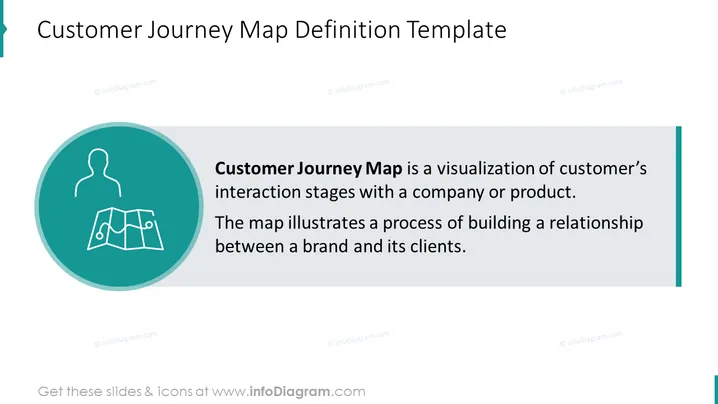
The slide is centered on the concept of a Customer Journey Map, which is defined as a visual tool that depicts the various stages of a customer's interactions with a company or product. This map is instrumental in understanding and illustrating the developmental process of a customer-brand relationship, highlighting key touchpoints and experiences that shape the customer's perception and actions.
Overall, the slide has a professional and clean aesthetic with a color scheme that is easy on the eyes. The design is straightforward and focuses on the content without unnecessary visual distractions.
Such a slide would be used in business presentations to explain the concept of a customer journey map to stakeholders, and team members, or during a workshop. It could also be part of a training session for marketing teams, customer experience managers, or sales personnel to help them understand the importance of tracking the customer's experience with the product or service.



