Reviews
Your graphics add a nice touch to my presentations and I recently used them for one of my all-hands meetings. Your toolbox adds professionalism to my slides. Instead of using standard clipart.
I needed a fresh look at some of my slides. I've tried to find a way to create a paintbrush effect, to underline, accentuate, add some color and the handwritten markers were just the things. Very easy to use, easy to size, change the color. It was an affordable, perfect solution and I'm happy to recommend it.
The crisp, clean look of the graphics, and the fact that it allowed me to easily edit and change the colors to match the template was my main reason for purchasing them.
Description
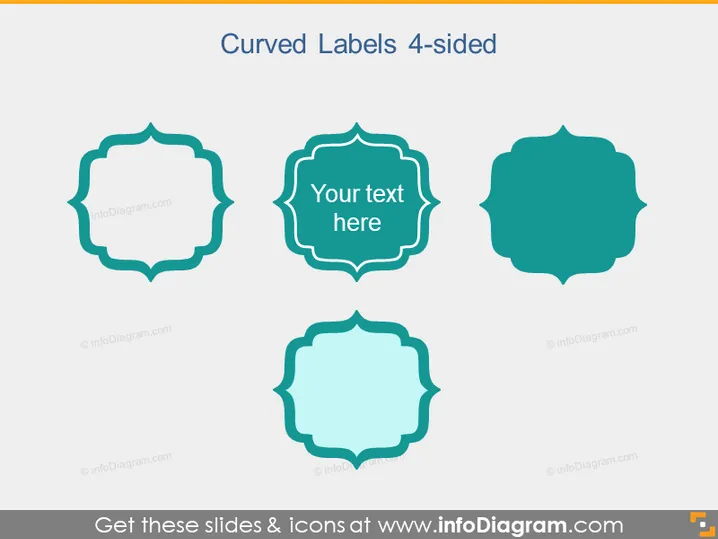
Curved Labels 4-sided
Slide Content
The PowerPoint slide titled "Curved Labels 4-sided" showcases four different stylized labels, each with a unique curved shape and size. These labels can be used to highlight information or encapsulate specific contents within a presentation. The second label from the left features text that states "Your text here," exemplifying where one can input text to customize the label according to their needs. Each label offers a variation of a four-sided design with curved edges, suggesting a range of options for presenters to choose from, depending on their stylistic preference or specific information categorization requirements.
Graphical Look
- Four distinct curved label shapes are aligned horizontally across the slide.
- Each label has a unique four-sided design with curved, ornate edges, resembling stylized frames.
- The second label from the left is filled with a darker shade of teal and includes a white text placeholder that says "Your text here".
- The rest of the labels are in lighter shades, with the outline giving a 3D appearance due to a shadow effect.
- The background of the slide is light gray, providing a neutral backdrop that enhances the visibility of the labels.
The slide projects a clean and professional aesthetic with a contemporary approach to design elements. The use of contrasting colors and shadow effects creates a subtle three-dimensional look that makes the labels stand out.
Use Cases
- To categorize and highlight key points or ideas within a business presentation.
- As text containers for displaying quotes or testimonials from clients or partners.
- For delineating sections within a presentation, such as agenda items or different topics of discussion.
- To visually enhance the presentation of data, making it more engaging and easier to follow.
How to Edit
How to edit text & colors

How to expand / shorten diagram

How to Replace Icons in infoDiagram PPT


