Reviews
Your graphics add a nice touch to my presentations and I recently used them for one of my all-hands meetings. Your toolbox adds professionalism to my slides. Instead of using standard clipart.
I needed a fresh look at some of my slides. I've tried to find a way to create a paintbrush effect, to underline, accentuate, add some color and the handwritten markers were just the things. Very easy to use, easy to size, change the color. It was an affordable, perfect solution and I'm happy to recommend it.
The crisp, clean look of the graphics, and the fact that it allowed me to easily edit and change the colors to match the template was my main reason for purchasing them.
Description
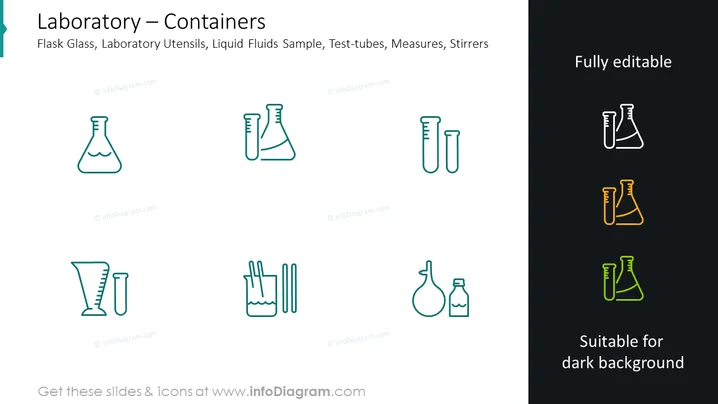
Laboratory – Containers
Slide Content
The slide is likely used for categorizing or illustrating different laboratory containers and utensils in a scientific or educational setting. The content mentions "Flask Glass," representing containers typically used for chemical reactions or to hold liquids. "Laboratory Utensils" may refer to instruments like pipettes or forceps. "Liquid Fluids Sample" implies containers used for storing samples of liquids for testing, while "Test-tubes" are narrow glass tubes used for holding small amounts of substances during experiments. "Measures" might mean measuring cups or cylinders used for precise liquid measurements, and "Stirrers" are rod-like tools for mixing substances.
Graphical Look
- The slide uses a clean, minimalistic design with a white background.
- There are two columns of icons: the left column consists of line art icons in teal, while the right column features the same icons with alternate coloring suitable for a dark background.
- Each icon represents a different laboratory container or tool, including flasks, beakers, a test tube, a wash bottle, and stirrers.
- The icons are paired, with each representation in the left column mirrored in the right column using different colors (teal, black, and yellow/orange accents).
- The text "Fully editable" in the top right corner implies that these icons can be customized.
- The text "Suitable for dark background" at the bottom right suggests that the right column icons can be used on darker slides for better visibility.
The slide is visually balanced with a symmetrical arrangement of icons and text. The use of simple line art for the icons creates a modern and professional appearance.
Use Cases
- Presenting laboratory equipment during scientific research presentations to highlight the tools used in experiments.
- Educational materials for teaching students about different lab containers and their uses in chemistry or biology classes.
- Part of a training module for new laboratory personnel to familiarize them with standard lab equipment.
- In a sales or marketing presentation for a company that manufactures or supplies laboratory equipment, showcasing the product line.
How to Edit
How to edit text & colors

How to expand / shorten diagram

How to Replace Icons in infoDiagram PPT


