Reviews
Your graphics add a nice touch to my presentations and I recently used them for one of my all-hands meetings. Your toolbox adds professionalism to my slides. Instead of using standard clipart.
I needed a fresh look at some of my slides. I've tried to find a way to create a paintbrush effect, to underline, accentuate, add some color and the handwritten markers were just the things. Very easy to use, easy to size, change the color. It was an affordable, perfect solution and I'm happy to recommend it.
The crisp, clean look of the graphics, and the fact that it allowed me to easily edit and change the colors to match the template was my main reason for purchasing them.
Description
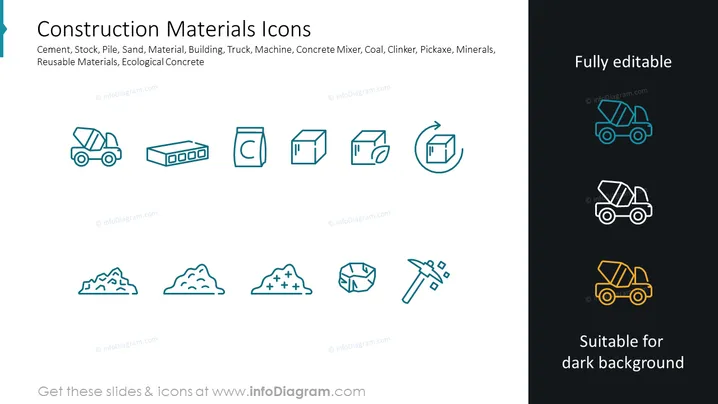
Construction Materials Icons
Slide Content: The slide presents a set of icons representing various aspects of construction materials and equipment. These include symbols for cement, symbolizing the primary construction binder; stock or inventory, indicating resources availability; pile, denoting accumulated bulk material; sand, which is a fundamental element in construction; material, representing the tangible substances used; building, signifying construction sites or projects; truck, associated with transportation; machine, for construction machinery; concrete mixer, critical for combining ingredients; coal, a primary energy source; clinker, a component of cement; pickaxe, a traditional tool for breaking up materials; and minerals, which are raw materials for construction. Each icon is designed to convey these concepts quickly and intuitively.
Graphical Look:
- The slide background is split between light gray on the left and dark gray on the right.
- A collection of 12 icons is evenly distributed across the light gray section, aligned in rows and columns.
- Each icon is outlined in a light blue color, providing a clean and professional look.
- The icons represent various construction materials and tools, designed in a flat, graphical style.
- Three additional icons appear in a column on the right side of the dark gray section, also outlined in light blue, with the addition of color to signify their visibility on darker backgrounds (highlighted in teal, white, and yellow respectively).
- The text "Fully editable" and "Suitable for dark background" is positioned on the right side, indicating the adaptability of the icons for various presentations.
The slide has a modern, minimalist design with icons that have a uniform styling, which ensures a cohesive visual presentation. The contrasting background highlights the adaptability of the icons for different slide background colors.
Use Cases:
- To provide a visual overview of materials and equipment involved in a construction project during a business meeting or presentation.
- In educational settings, to aid in teaching students about various elements used in construction and building industries.
- As part of a manual or instructional guide for employees within the construction sector to familiarize them with common symbols and terms.
- During sales or marketing presentations to showcase products and services related to the construction industry, using icons to visually enhance the communication.
How to Edit
How to edit text & colors

How to expand / shorten diagram

How to Replace Icons in infoDiagram PPT


