Reviews
Ihre Grafiken verleihen meinen Präsentationen eine nette Note, und ich habe sie kürzlich für eines meiner All-Hands-Meetings verwendet. Ihre Toolbox verleiht meinen Folien Professionalität, anstatt Standard-Clipart zu verwenden.
Ich brauchte einen neuen Blick auf einige meiner Folien. Ich habe versucht, einen Weg zu finden, einen Pinselschlag-Effekt zu erzielen, um zu unterstreichen, hervorzuheben, Farbe hinzuzufügen, und die handgeschriebenen Markierungen waren genau das Richtige. Sehr einfach zu bedienen, leicht in der Größe zu ändern, die Farbe zu ändern. Es war eine erschwingliche, perfekte Lösung und ich empfehle sie gerne weiter.
Die klare, saubere Optik der Grafiken und die Tatsache, dass ich die Farben leicht bearbeiten und an die Vorlage anpassen konnte, war mein Hauptgrund für den Kauf.
Description
Connection, Wireless, Network, Cloud
Slide Content
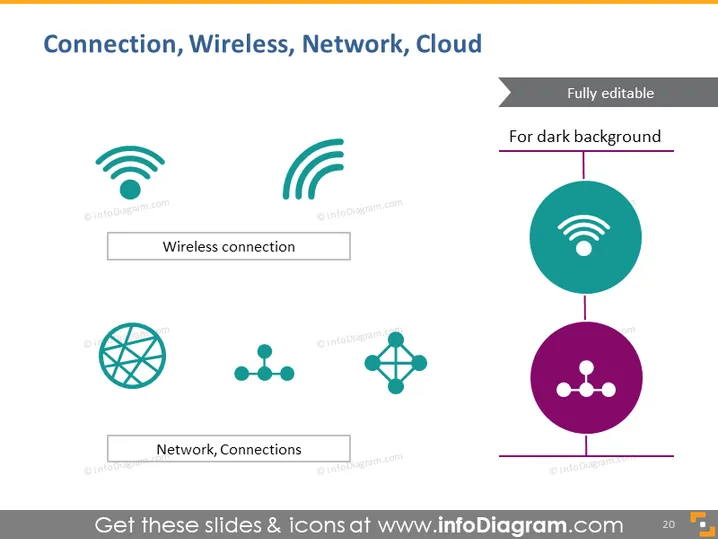
The slide focuses on four technological concepts: Wireless connection, Network, Connections, and Cloud. "Wireless connection" is likely highlighting the importance of connectivity without physical cables. "Network, Connections" probably discusses the systems that allow various devices to communicate, likely referencing the internet or a local network design.
Graphical Look
- The slide background is white, providing a clean and minimalistic canvas for the content.
- Four distinct graphics symbolize different technological concepts, evenly spaced in a grid layout.
- The graphic in the top-left corner represents a "Wireless connection," depicted by three curved lines emanating from a point, resembling WiFi signal icons.
- The bottom-left graphic illustrates a "Network, Connections" concept, featuring a globe and a simplified network diagram with nodes and connecting lines.
- The color palette consists of teal, dark blue, and purple, contributing to a modern and technical aesthetic.
- Text labels are placed below each icon, enclosed within a box with a subtle shadow, offering a sense of depth.
- Each icon is paired with descriptive text placed below it, denoting the concept it represents.
- A note in the top-right corner indicates that the theme is "Fully editable" and suitable "For dark background."
The slide presents a professional and clean design, with a balanced use of color and graphics to convey concepts effectively. The icons are simple yet descriptive, making the slide visually appealing and easy to understand.
Use Cases
- Presenting the components of a wireless network setup during a technology conference.
- Illustrating different aspects of connectivity in an internal company training on network infrastructure.
- Pitching a new networking solution to potential clients by showing the elements of the system.
- Educating students on the basics of wireless communication and networking during a lecture or educational workshop.
How to Edit
How to edit text & colors

How to expand / shorten diagram

How to Replace Icons in infoDiagram PPT


