Reviews
Your graphics add a nice touch to my presentations and I recently used them for one of my all-hands meetings. Your toolbox adds professionalism to my slides. Instead of using standard clipart.
I needed a fresh look at some of my slides. I've tried to find a way to create a paintbrush effect, to underline, accentuate, add some color and the handwritten markers were just the things. Very easy to use, easy to size, change the color. It was an affordable, perfect solution and I'm happy to recommend it.
The crisp, clean look of the graphics, and the fact that it allowed me to easily edit and change the colors to match the template was my main reason for purchasing them.
Description
Desktop computer
Slide Content
The PowerPoint slide titled "Desktop computer" likely presents a topic related to either the technology of desktop computers, their components, or their use in various contexts. Although the content is not detailed within the provided description, the title suggests the slide might expand on aspects such as hardware specifications, the evolution of desktop computers, or their role in modern computing environments. Each item mentioned could be elaborated upon, such as hardware specifications detailing processor speed, memory, and storage capacity.
Graphical Look
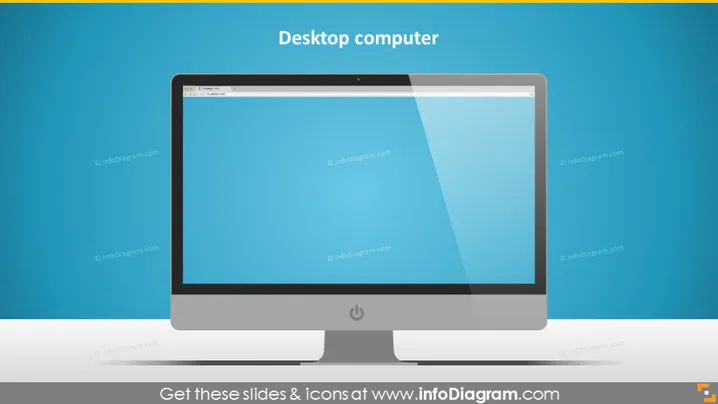
- The slide features a centralized image of a stylized modern desktop computer with a flat-screen monitor, which occupies the majority of the slide.
- The desktop computer is illustrated in a slight perspective angle, giving a 3D illusion.
- The monitor displays a simple blue screen with a darker header, resembling a typical operating system interface.
- Below the computer image, there is a drop shadow, enhancing the 3D effect and making the computer appear as if it stands out from the background.
- The background of the slide is a solid color with a gradient, creating a subtle distinction from the top to the bottom of the slide.
- The title, "Desktop computer," is prominently displayed at the top of the slide, centered and in a large, bold font for easy reading.
The slide has a clean, modern look with a minimalistic design. The prominent computer graphic ensures the focus remains on the subject of the slide, which is the desktop computer itself.
Use Cases
- Introducing a section on computer hardware during a technology or IT training session.
- Presenting a comparison of computer types in a business meeting, with this slide highlighting the desktop option.
- Describing office equipment requirements for a new business set-up or office layout plan.
- Showcasing new desktop computer models or features during a product launch or sales pitch.
How to Edit
How to edit text & colors

How to expand / shorten diagram

How to Replace Icons in infoDiagram PPT


