Reviews
Your graphics add a nice touch to my presentations and I recently used them for one of my all-hands meetings. Your toolbox adds professionalism to my slides. Instead of using standard clipart.
I needed a fresh look at some of my slides. I've tried to find a way to create a paintbrush effect, to underline, accentuate, add some color and the handwritten markers were just the things. Very easy to use, easy to size, change the color. It was an affordable, perfect solution and I'm happy to recommend it.
The crisp, clean look of the graphics, and the fact that it allowed me to easily edit and change the colors to match the template was my main reason for purchasing them.
Description
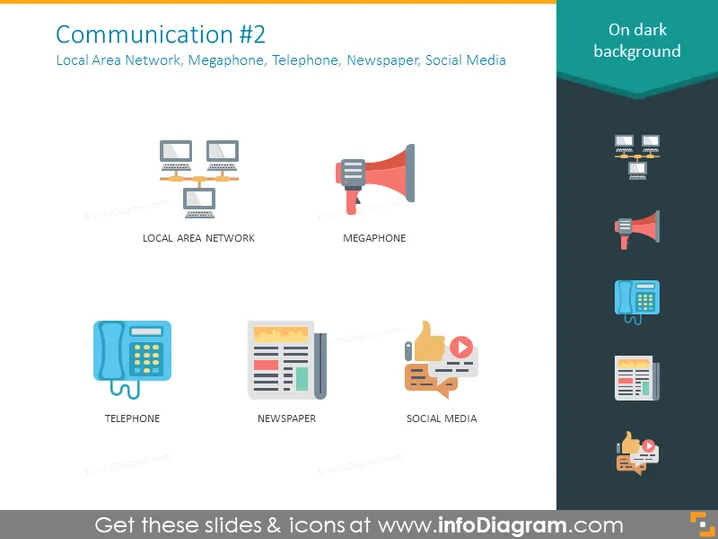
Communication #2
Slide Content
The slide titled "Communication #2" includes icons and labels for various communication tools: Local Area Network (a symbol representing interconnected computers), Megaphone (depicting an object used to amplify voice), Telephone (illustrating a device for voice communication), Newspaper (indicating a printed medium for news dissemination), and Social Media (showing symbolic representation of digital interaction and information sharing).
Graphical Look
- The background is a solid, dark color, creating a strong contrast for the icons and text.
- There are five colorful icons, each with its corresponding label neatly positioned below it in white font.
- The icons represent, from left to right, top to bottom: Local Area Network, Megaphone, Telephone, Newspaper, Social Media.
- The icon graphics are flat design and are highlighted with a subtle shadow to give a slight sense of depth.
- The labels are in all capitals and a sans-serif typeface to ensure readability against the dark background.
- Each icon and label pair is arranged in a grid layout, with the icons being the primary focus.
The overall look of the slide is modern, clean, and highly legible, with a professional aesthetic suitable for business presentations. The use of color and simple iconography aids in quick recognition of the communication methods discussed.
Use Cases
- Presenting different methods of communication within a company or project.
- Discussing marketing channels and how they can be leveraged.
- Comparing traditional and digital media in a communications strategy.
- Educating employees about the available tools for internal and external communication.
How to Edit
How to edit text & colors

How to expand / shorten diagram

How to Replace Icons in infoDiagram PPT


