Reviews
Sus gráficos añaden un toque agradable a mis presentaciones y recientemente los usé para una de mis reuniones generales. Su conjunto de herramientas añade profesionalismo a mis diapositivas. En lugar de usar imágenes prediseñadas estándar.
Necesitaba un aspecto fresco para algunas de mis diapositivas. Había intentado encontrar una forma de crear un efecto de pincel, de subrayar, acentuar, añadir algo de color y los marcadores escritos a mano fueron justo lo que necesitaba. Muy fácil de usar, fácil de ajustar el tamaño, cambiar el color. Fue una solución asequible y perfecta, y estoy feliz de recomendarla.
El aspecto nítido y limpio de los gráficos, y el hecho de que me permitiera editar y cambiar fácilmente los colores para que coincidieran con la plantilla fue mi principal razón para comprarlos.
Description
Icons: Contacting
Slide Content
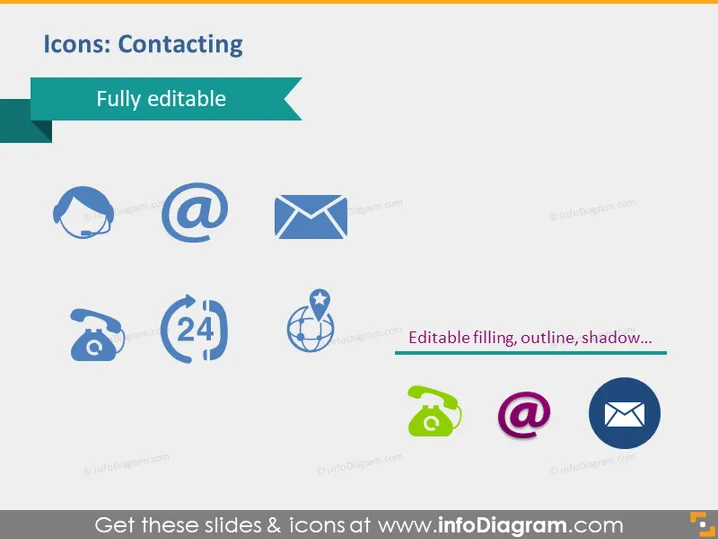
The PowerPoint slide is titled "Icons: Contacting" and promotes its content as fully editable. It presents a collection of eight icons associated with various methods of communication. These include a representation for a user profile with a cogwheel, possibly indicating account settings or user preferences. The email symbol (@) signifies electronic mail correspondence. An envelope icon suggests traditional mail or general messaging. A classic telephone symbol represents voice calls. A 24-hour icon likely indicates around-the-clock services or support. A globe with a location marker may indicate global reach or international connectivity. An old-fashioned rotary phone symbol and a colorful email icon emphasize the overarching theme of communication methods and connectivity options.
Graphical Look
- The slide is clean and modern in its appearance, using a teal and dark blue color scheme.
- The slide title is at the top left in dark blue, with a teal ribbon accent extending to the right.
- Just below the title, a sub-heading in a teal rectangle reads "Fully editable."
- There are three rows and three columns displaying the communication-related icons.
- Each icon is presented in a light blue silhouette with subtle shadows giving them a slight three-dimensional effect.
- The icons are uniformly spaced, with the bottom row containing complementary text highlighting "Editable filling, outline, shadow..." suggesting customization features.
The overall look of the slide is professional and visually appealing. It uses a consistent color palette and clean iconography to convey its message effectively.
Use Cases
- Presenting various contact options available to customers in a customer service or support presentation.
- Illustrating different communication methods during a marketing strategy briefing to highlight outreach channels.
- Enhancing slides in a corporate training about communication tools and protocols.
- Utilizing in a tech product demonstration to show integrated communication features within the software or application.
How to Edit
How to edit text & colors

How to expand / shorten diagram

How to Replace Icons in infoDiagram PPT


