Reviews
Sus gráficos añaden un toque agradable a mis presentaciones y recientemente los usé para una de mis reuniones generales. Su conjunto de herramientas añade profesionalismo a mis diapositivas. En lugar de usar imágenes prediseñadas estándar.
Necesitaba un aspecto fresco para algunas de mis diapositivas. Había intentado encontrar una forma de crear un efecto de pincel, de subrayar, acentuar, añadir algo de color y los marcadores escritos a mano fueron justo lo que necesitaba. Muy fácil de usar, fácil de ajustar el tamaño, cambiar el color. Fue una solución asequible y perfecta, y estoy feliz de recomendarla.
El aspecto nítido y limpio de los gráficos, y el hecho de que me permitiera editar y cambiar fácilmente los colores para que coincidieran con la plantilla fue mi principal razón para comprarlos.
Description
Circular List of 5 Elements
Slide Content
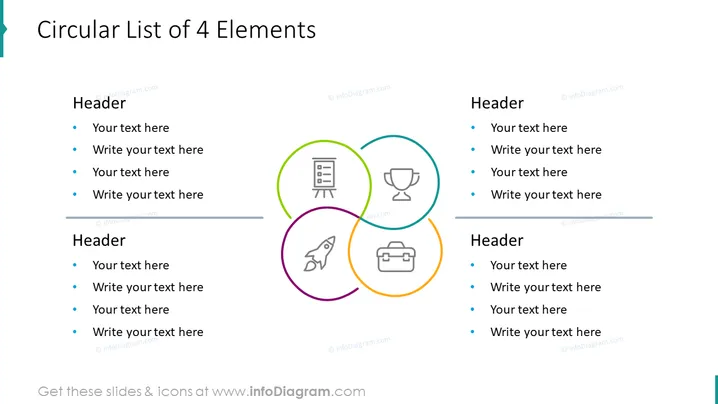
The PowerPoint slide titled "Circular List of 5 Elements" is designed to present a list of five key points or concepts in a non-linear, cyclical format. Each element has a dedicated space for a header and a placeholder text area. The elements are as follows: Header 1 with a government building icon represents government or organizational structures. Header 2 with an upward trend line chart icon symbolizes growth or progress. Header 3 with a book icon could indicate education or knowledge. Header 4 with a computer monitor icon may suggest technology or digital topics. Lastly, Header 5 with a rocket launch icon typically stands for innovation or startups.
Graphical Look
- The slide's background is white, providing a clean and neutral canvas for the content.
- Each of the five elements is represented by a colorful circle interconnected with others, creating a pentagon-shaped pattern in the center.
- The circles are colored orange, blue, green, purple, and teal, each with a corresponding icon inside.
- The icons inside the circles are minimalist and represent different themes, such as government, finance, education, technology, and innovation.
- The title of the slide "Circular List of 5 Elements" is in large, bold letters aligned to the left.
- Each header text is in a bold font located at the top of its respective circle, with a supporting text placeholder below in a smaller font.
- The design makes use of thin lines and ample whitespace to avoid visual clutter.
The slide has a modern and professional appearance with a strong visual hierarchy. The use of vibrant colors helps differentiate between the elements, while the circular layout encourages the viewer to consider all aspects as interconnected rather than sequential.
Use Cases
- Highlighting the core components of a strategic business plan.
- Presenting various stages of a product lifecycle or project development process.
- Illustrating interconnected services or product features offered by a company.
- Demonstrating the relationship between different domains of a comprehensive research topic or educational curriculum.
How to Edit
How to edit text & colors

How to expand / shorten diagram

How to Replace Icons in infoDiagram PPT


