Change Management Icons Set — Business, Office
Slide Content
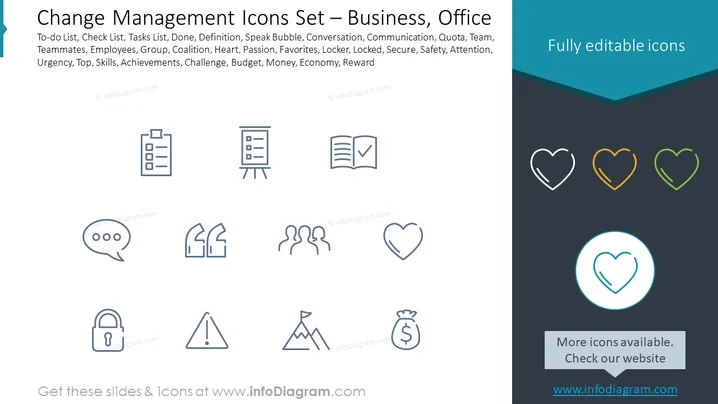
The slide presents a collection of icons related to change management in a business or office setting. Each icon corresponds to a concept crucial for organizational transformation or daily operations. The concepts listed include To-do List (tracking tasks), Check List (verifying task completion), Tasks List (enumerating work items), Done (tasks completed), Definition (clarifying concepts), Speak Bubble (communication), Conversation, Communication, Quota, Team, Teammates, Employees, Coalition, Heart (passion or core values), Passion, Favorites, Locker (security), Locked, Secure, Safety, Attention, Urgency, Top (priority or ranking), Skills, Achievements, Challenge, Budget, Money, Economy, and Reward (incentives or recognition).
Graphical Look
- A dominant dark blue header with white text displaying the title.
- A subheader in smaller white font describing the icons as "Fully editable icons."
- Twelve outlined gray icons centered on the slide spanning two rows and six columns.
- Each icon is accompanied by a label in a small gray font underneath them.
- Three hearts icons positioned in the upper right corner, colored in white, orange, and green next to the subheader.
- A circular icon with a heart repeated at the bottom right, highlighted with a blue circle around it.
- A light blue footer area with text directing to check the website for more icons.
The slide uses a minimalistic design with a clean layout, and icons are spaced evenly to create a sense of organization and ease of viewing. The color scheme is primarily dark blue and gray with sparing use of light blue and subtle accents of white, orange, and green to draw attention to certain elements.
Use Cases
- Illustrating key aspects of change management in a corporate presentation.
- Providing a visual aid during workshops or training sessions on organizational change.
- Enhancing communication materials with relevant icons to underscore specific points.
- Using as a visual reference in company meetings for discussing progress or obstacles in various projects or operational areas.