Reviews
Ihre Grafiken verleihen meinen Präsentationen eine nette Note, und ich habe sie kürzlich für eines meiner All-Hands-Meetings verwendet. Ihre Toolbox verleiht meinen Folien Professionalität, anstatt Standard-Clipart zu verwenden.
Ich brauchte einen neuen Blick auf einige meiner Folien. Ich habe versucht, einen Weg zu finden, einen Pinselschlag-Effekt zu erzielen, um zu unterstreichen, hervorzuheben, Farbe hinzuzufügen, und die handgeschriebenen Markierungen waren genau das Richtige. Sehr einfach zu bedienen, leicht in der Größe zu ändern, die Farbe zu ändern. Es war eine erschwingliche, perfekte Lösung und ich empfehle sie gerne weiter.
Die klare, saubere Optik der Grafiken und die Tatsache, dass ich die Farben leicht bearbeiten und an die Vorlage anpassen konnte, war mein Hauptgrund für den Kauf.
Description
Business Buildings Icons
Slide Content
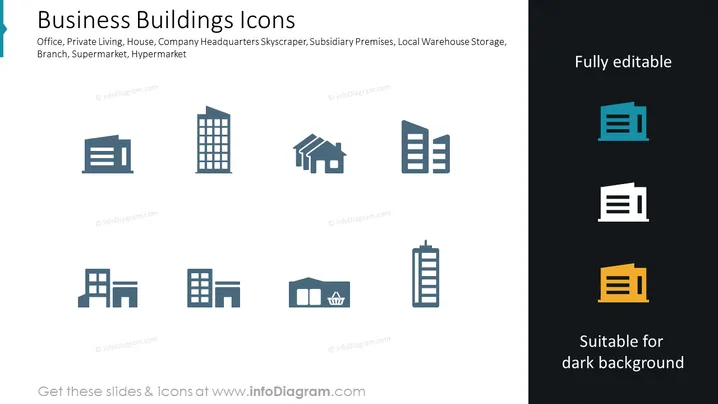
The PowerPoint slide presents a collection of business building icons representing various types of structures including offices, private living quarters, houses, company headquarters skyscrapers, subsidiary premises, local warehouse storage, branches, supermarkets, and hypermarkets. Each icon symbolizes a different aspect of the business infrastructure, depicting the versatility in architectural styles and purposes, from small office buildings to large commercial complexes.
Graphical Look
- The slide has a plain, dark background that contrasts with the light-colored icons.
- There are eight icons evenly distributed across the slide in two rows and four columns.
- Each icon represents a different type of building:
- The first icon in the top row depicts a simple office building.
- The second is a taller building, suggesting a skyscraper or a company headquarters.
- The third shows a house, indicating private living.
- The fourth is an office building with projecting sections.
- The fifth icon represents subsidiary premises with a more complex structure.
- The sixth displays two types of buildings likely representing a local warehouse and storage.
- The seventh looks like a supermarket or a hypermarket with a shopping cart icon.
- The eighth icon is a taller building portraying a skyscraper.
- The words "Fully editable" and "Suitable for dark background" are displayed on the right side in two contrasting colors, blue and yellow, against the dark background.
- The icons are stylized and geometric, featuring a modern and clean design.
The slide's overall look is clean and professional, with a modern aesthetic underscored by simple geometrical design elements. The icons are easily identifiable and set against a dark background to highlight their shapes and details.
Use Cases
- Presenting different types of commercial and residential properties in a real estate portfolio.
- Illustrating various facilities and buildings owned by a corporation in a business overview.
- Enhancing architectural or urban development presentations with visual icons for clarity.
- Utilizing in marketing materials to represent the scope of business operations, such as showing locations where a company has a presence.
How to Edit
How to edit text & colors

How to expand / shorten diagram

How to Replace Icons in infoDiagram PPT


