Reviews
Sus gráficos añaden un toque agradable a mis presentaciones y recientemente los usé para una de mis reuniones generales. Su conjunto de herramientas añade profesionalismo a mis diapositivas. En lugar de usar imágenes prediseñadas estándar.
Necesitaba un aspecto fresco para algunas de mis diapositivas. Había intentado encontrar una forma de crear un efecto de pincel, de subrayar, acentuar, añadir algo de color y los marcadores escritos a mano fueron justo lo que necesitaba. Muy fácil de usar, fácil de ajustar el tamaño, cambiar el color. Fue una solución asequible y perfecta, y estoy feliz de recomendarla.
El aspecto nítido y limpio de los gráficos, y el hecho de que me permitiera editar y cambiar fácilmente los colores para que coincidieran con la plantilla fue mi principal razón para comprarlos.
Description
Surprise related icons
Slide Content
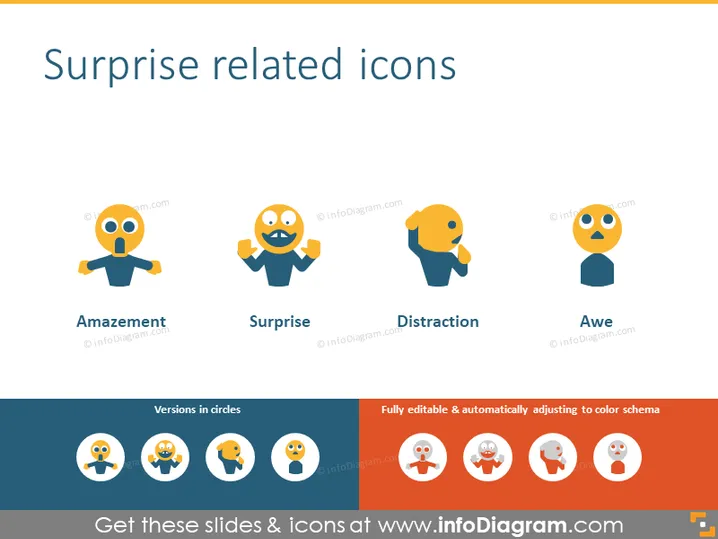
The slide titled "Surprise related icons" features a collection of stylized icons that visually represent different forms of surprise and related emotions. There are four main icons: "Amazement" shows a figure with eyes wide and a small open mouth; "Surprise" depicts a figure with hands on cheeks and an open mouth; "Distraction" illustrates a figure with one hand raised, seemingly shielding its face; and "Awe" presents a figure looking upwards, mouth open as if in shock. Each concept is an expression of surprise but captures a unique aspect of the emotion.
Graphical Look
- The slide's background is plain white, providing contrast for the colored elements.
- The main title "Surprise related icons" is set in large, bold, blue text centered at the top of the slide.
- Below the title are four colorful icons, each depicting a stylized human figure with an exaggerated facial expression and posture that illustrates the associated emotion.
- Each icon has a blue torso, orange arms, a yellow head, and simple black lines for facial details.
- Under each icon is a label in lowercase letters, naming the emotion the icon represents (Amazement, Surprise, Distraction, Awe).
- At the bottom, there is a horizontal section split into two: the left side showing miniature versions of the icons within circles, and the right side featuring text about the slide’s editability.
The slide is colorful with a flat design aesthetic, featuring basic shapes and clean lines. The combination of vibrant colors and simple, expressive icons makes it visually appealing and straightforward.
Use Cases
- To visually accentuate points in a presentation about emotional responses or consumer reactions.
- As part of a training or workshop session on non-verbal communication and facial expressions.
- In marketing presentations to depict customer reactions to a new product launch or campaign.
- For illustrating feedback or sentiment analysis results in a user experience or design review meeting. I'm sorry, but it appears there is no image attached to your request. Please provide the image you want me to describe, and I'll be happy to help!
How to Edit
How to edit text & colors

How to expand / shorten diagram

How to Replace Icons in infoDiagram PPT


