Your graphics add a nice touch to my presentations and I recently used them for one of my all-hands meetings. Your toolbox adds professionalism to my slides. Instead of using standard clipart.
Claude Jones, Director of Engineer, @Walmartlabs, USA
Your graphics add a nice touch to my presentations and I recently used them for one of my all-hands meetings. Your toolbox adds professionalism to my slides. Instead of using standard clipart.
Claude Jones, Director of Engineer, @Walmartlabs, USA
I needed a fresh look at some of my slides. I've tried to find a way to create a paintbrush effect, to underline, accentuate, add some color and the handwritten markers were just the things. Very easy to use, easy to size, change the color. It was an affordable, perfect solution and I'm happy to recommend it.
Anonymous, US
The crisp, clean look of the graphics, and the fact that it allowed me to easily edit and change the colors to match the template was my main reason for purchasing them.
Brandie Jenkins, E-learning Developer, USA
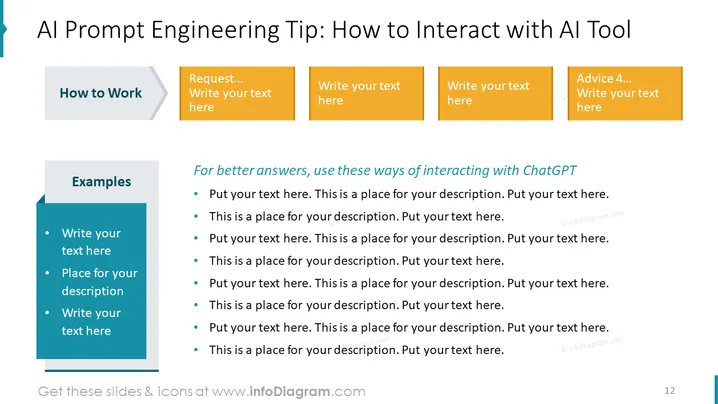
The PowerPoint slide titled "AI Prompt Engineering Tip: How to Interact with AI Tool" provides guidelines for effective communication with an AI-powered tool like ChatGPT. The slide is divided into two sections. The first section, "How to Work," is aimed at setting expectations on the operational aspect of AI interactions. The second section, "Examples," lists concrete examples that enhance understanding. "For better answers, use these ways of interacting with ChatGPT" suggests practical advice to improve the quality of AI-generated responses, encouraging specific, clear, and contextually rich prompts for optimal results.
The slide has a modern and professional design with a clear visual hierarchy, guiding the viewer's attention through the content systematically. The use of contrasting colors and structured sections makes the information easily digestible.




