

Your graphics add a nice touch to my presentations and I recently used them for one of my all-hands meetings. Your toolbox adds professionalism to my slides. Instead of using standard clipart.
Claude Jones, Director of Engineer, @Walmartlabs, USA

Your graphics add a nice touch to my presentations and I recently used them for one of my all-hands meetings. Your toolbox adds professionalism to my slides. Instead of using standard clipart.
Claude Jones, Director of Engineer, @Walmartlabs, USA
I needed a fresh look at some of my slides. I've tried to find a way to create a paintbrush effect, to underline, accentuate, add some color and the handwritten markers were just the things. Very easy to use, easy to size, change the color. It was an affordable, perfect solution and I'm happy to recommend it.
Anonymous, US
The crisp, clean look of the graphics, and the fact that it allowed me to easily edit and change the colors to match the template was my main reason for purchasing them.
Brandie Jenkins, E-learning Developer, USA
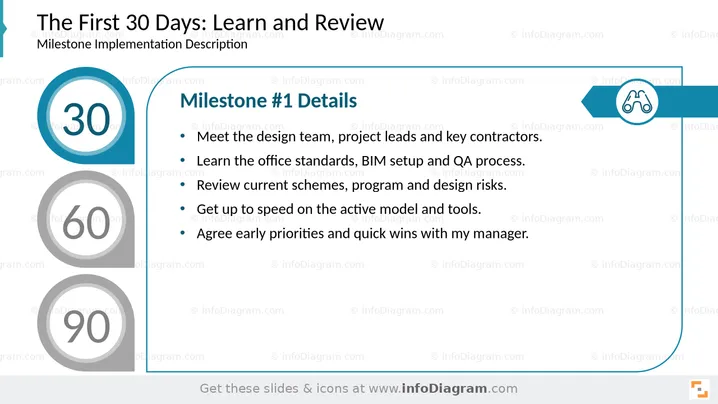
This slide outlines the critical activities for the initial 30 days of a milestone implementation, emphasizing learning and review. It details five key tasks: meeting the design team, project leads, and key contractors to establish connections; learning office standards, BIM setup, and QA processes for operational understanding; reviewing current schemes, program, and design risks to identify potential issues; getting up to speed on active models and tools for effective work; and agreeing on early priorities and quick wins with the manager to set immediate goals.
The slide presents a clean, professional look with a clear hierarchy of information. The use of teal and gray creates a modern and organized visual experience.



