

Your graphics add a nice touch to my presentations and I recently used them for one of my all-hands meetings. Your toolbox adds professionalism to my slides. Instead of using standard clipart.
Claude Jones, Director of Engineer, @Walmartlabs, USA

Your graphics add a nice touch to my presentations and I recently used them for one of my all-hands meetings. Your toolbox adds professionalism to my slides. Instead of using standard clipart.
Claude Jones, Director of Engineer, @Walmartlabs, USA
I needed a fresh look at some of my slides. I've tried to find a way to create a paintbrush effect, to underline, accentuate, add some color and the handwritten markers were just the things. Very easy to use, easy to size, change the color. It was an affordable, perfect solution and I'm happy to recommend it.
Anonymous, US
The crisp, clean look of the graphics, and the fact that it allowed me to easily edit and change the colors to match the template was my main reason for purchasing them.
Brandie Jenkins, E-learning Developer, USA
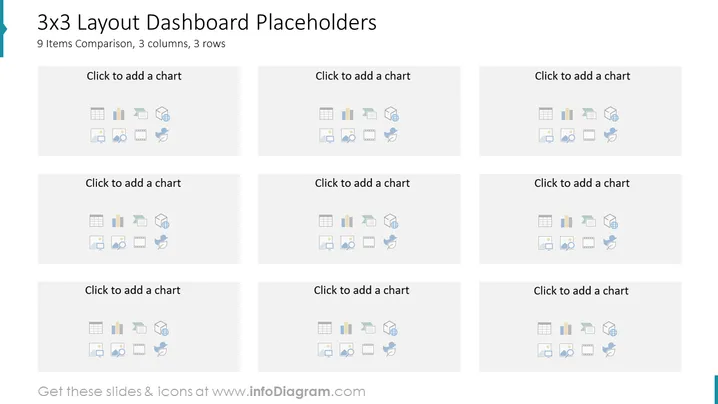
This PowerPoint slide is titled "3x3 Layout Dashboard Placeholders" and is designed for illustrating comparison-based presentations with a neat and structured approach. It showcases a grid of nine boxes arranged in three rows and columns, with each box containing a placeholder text "Click to add a chart" and a series of icons representing different types of charts and graphs. The slide aims to assist users in organizing and visualizing data by adding custom charts, fostering an easy comparison of up to nine different items or datasets.
The overall visual composition of the slide is minimalist and grid-aligned, which emphasizes organization and clarity. The monochromatic color scheme underscores the professional tone and ensures attention is drawn to the content that will be added by the presenter.



