

Your graphics add a nice touch to my presentations and I recently used them for one of my all-hands meetings. Your toolbox adds professionalism to my slides. Instead of using standard clipart.
Claude Jones, Director of Engineer, @Walmartlabs, USA

Your graphics add a nice touch to my presentations and I recently used them for one of my all-hands meetings. Your toolbox adds professionalism to my slides. Instead of using standard clipart.
Claude Jones, Director of Engineer, @Walmartlabs, USA
I needed a fresh look at some of my slides. I've tried to find a way to create a paintbrush effect, to underline, accentuate, add some color and the handwritten markers were just the things. Very easy to use, easy to size, change the color. It was an affordable, perfect solution and I'm happy to recommend it.
Anonymous, US
The crisp, clean look of the graphics, and the fact that it allowed me to easily edit and change the colors to match the template was my main reason for purchasing them.
Brandie Jenkins, E-learning Developer, USA
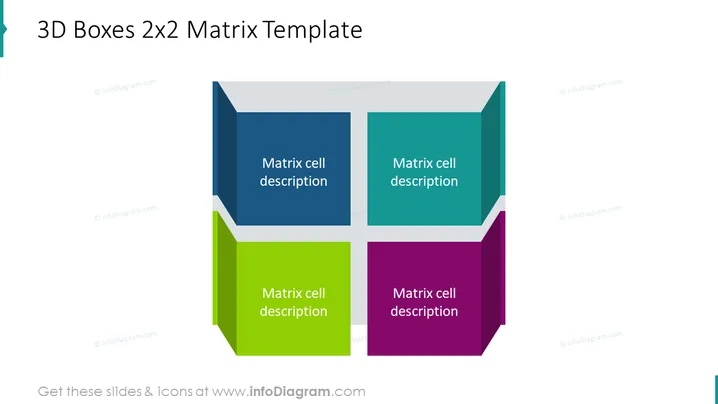
The slide presents a 2x2 Matrix with 3D boxes, each colored differently and labeled "Matrix cell description." This common analytical framework allows for the categorization and comparison of concepts or items along two axes, creating four quadrants to facilitate strategic analysis or decision-making. Each box represents a quadrant that can be described in detail to convey complex relationships or categorizations in a business or academic context.
The slide has a clean and professional look, utilizing colored boxes to differentiate quadrants visually. The 3D effect adds depth to the design, making it more engaging than a standard 2D matrix.



