

Your graphics add a nice touch to my presentations and I recently used them for one of my all-hands meetings. Your toolbox adds professionalism to my slides. Instead of using standard clipart.
Claude Jones, Director of Engineer, @Walmartlabs, USA

Your graphics add a nice touch to my presentations and I recently used them for one of my all-hands meetings. Your toolbox adds professionalism to my slides. Instead of using standard clipart.
Claude Jones, Director of Engineer, @Walmartlabs, USA
I needed a fresh look at some of my slides. I've tried to find a way to create a paintbrush effect, to underline, accentuate, add some color and the handwritten markers were just the things. Very easy to use, easy to size, change the color. It was an affordable, perfect solution and I'm happy to recommend it.
Anonymous, US
The crisp, clean look of the graphics, and the fact that it allowed me to easily edit and change the colors to match the template was my main reason for purchasing them.
Brandie Jenkins, E-learning Developer, USA
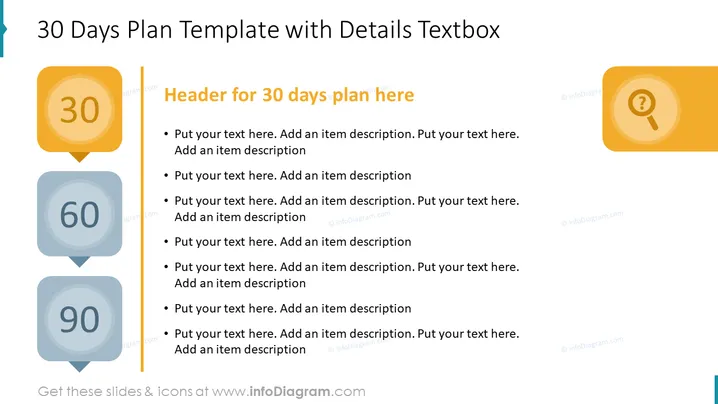
The slide is tailored to define and articulate a 30-day action plan, emphasizing specific tasks and objectives. The main content area is designed to detail the steps or goals to be achieved within a 30-day period, with bullet points to organize the information systematically. This template prompts the user to consider and record the necessary actions, providing a clear framework for short-term planning.
The slide's design is minimalistic and functional, with a strong focus on clarity and organization. The use of color is restrained, directing attention to the structured plan and its execution.
This slide can be employed in business settings such as project kick-offs, monthly planning meetings, or performance tracking. It's particularly useful for presenting clear and concise 30-day goals or tasks to teams, ensuring all members are aligned and aware of their short-term objectives.



