

Your graphics add a nice touch to my presentations and I recently used them for one of my all-hands meetings. Your toolbox adds professionalism to my slides. Instead of using standard clipart.
Claude Jones, Director of Engineer, @Walmartlabs, USA

Your graphics add a nice touch to my presentations and I recently used them for one of my all-hands meetings. Your toolbox adds professionalism to my slides. Instead of using standard clipart.
Claude Jones, Director of Engineer, @Walmartlabs, USA
I needed a fresh look at some of my slides. I've tried to find a way to create a paintbrush effect, to underline, accentuate, add some color and the handwritten markers were just the things. Very easy to use, easy to size, change the color. It was an affordable, perfect solution and I'm happy to recommend it.
Anonymous, US
The crisp, clean look of the graphics, and the fact that it allowed me to easily edit and change the colors to match the template was my main reason for purchasing them.
Brandie Jenkins, E-learning Developer, USA
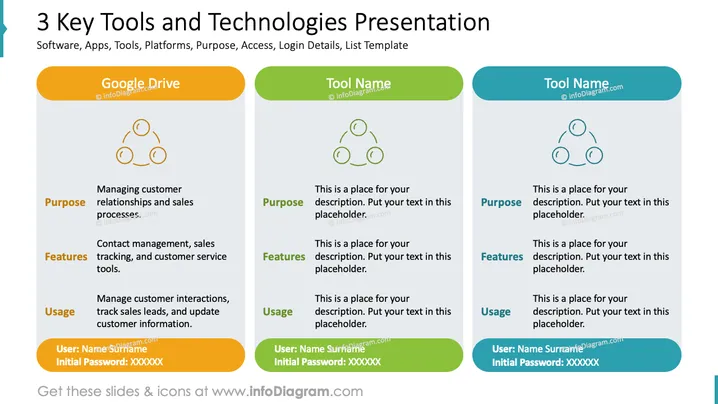
The slide is centered around presenting "3 Key Tools and Technologies," including examples like Google Drive. For each tool, there are sections detailing its Purpose (e.g., managing customer relationships and sales processes), Features (e.g., contact management, sales tracking, customer service tools), and Usage (e.g., managing customer interactions, tracking sales leads). Additionally, there's a placeholder for login credentials with a User name and initial Password provided, implying the practical, hands-on aspect of access to these technologies.
The slide has a clean and organized appearance with a balance of color and text that aids in distinguishing each section of content. The usage of icons and colored headers assists viewers in visually navigating through the information.



