

Your graphics add a nice touch to my presentations and I recently used them for one of my all-hands meetings. Your toolbox adds professionalism to my slides. Instead of using standard clipart.
Claude Jones, Director of Engineer, @Walmartlabs, USA

Your graphics add a nice touch to my presentations and I recently used them for one of my all-hands meetings. Your toolbox adds professionalism to my slides. Instead of using standard clipart.
Claude Jones, Director of Engineer, @Walmartlabs, USA
I needed a fresh look at some of my slides. I've tried to find a way to create a paintbrush effect, to underline, accentuate, add some color and the handwritten markers were just the things. Very easy to use, easy to size, change the color. It was an affordable, perfect solution and I'm happy to recommend it.
Anonymous, US
The crisp, clean look of the graphics, and the fact that it allowed me to easily edit and change the colors to match the template was my main reason for purchasing them.
Brandie Jenkins, E-learning Developer, USA
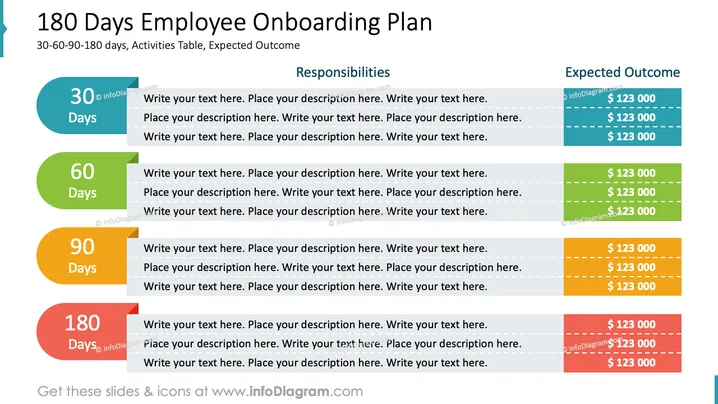
The PowerPoint slide titled "180 Days Employee Onboarding Plan" is designed to outline an onboarding process for new employees over a six-month period. The plan is divided into four time segments: 30, 60, 90, and 180 days. Each segment includes space for detailing activities and responsibilities, with an adjacent column specifying the expected outcome quantified in dollar values. This structured timeline can help to orient new hires and set clear expectations for their integration into the company.
The overall look of the slide is clean and highly structured, effectively using color coding and visual elements to distinguish between different phases of the employee onboarding process. The use of shapes and alignment provides an organized framework for presenting detailed plans and outcomes.



