FINANCIAL REPORTS
PPT visuals to present your key numbers
Present Your Topic Visually:
Reviews
Your graphics add a nice touch to my presentations and I recently used them for one of my all-hands meetings. Your toolbox adds professionalism to my slides. Instead of using standard clipart.
I needed a fresh look at some of my slides. I've tried to find a way to create a paintbrush effect, to underline, accentuate, add some color and the handwritten markers were just the things. Very easy to use, easy to size, change the color. It was an affordable, perfect solution and I'm happy to recommend it.
The crisp, clean look of the graphics, and the fact that it allowed me to easily edit and change the colors to match the template was my main reason for purchasing them.
Usage example
Description
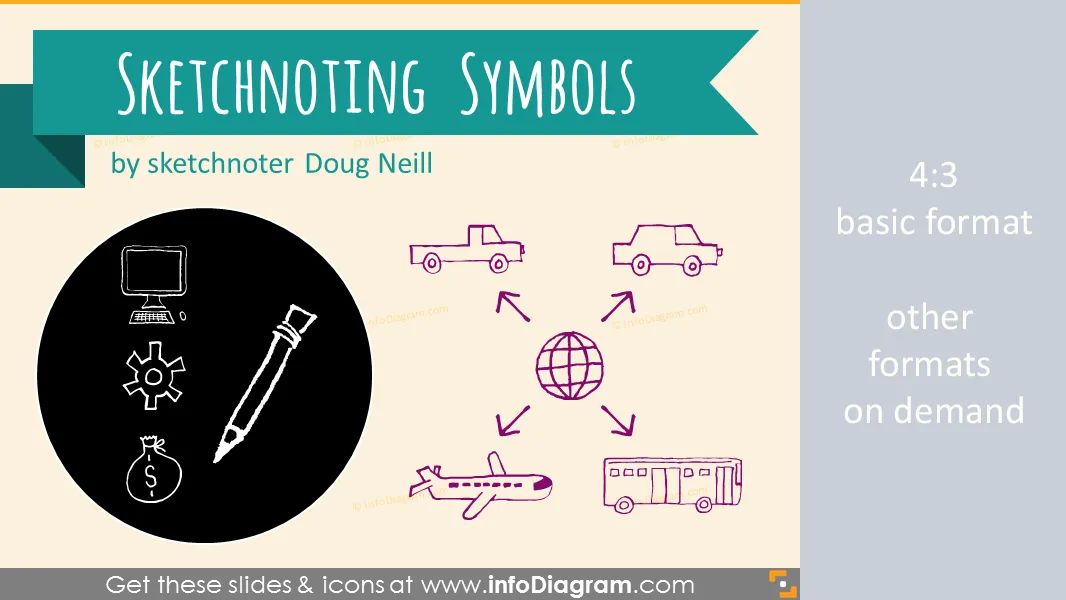
Doodle symbols library for sketchnoting like creative slides design in Powerpoint
- 170 hand drawn pictogram icons and shapes
- on office, business, logistics, computers, education topics
- 3 various backgrounds - yellow moleskin paper, neutral white and blackboard
- fully editable vector symbols - you can change colors
Content:
Library of doodle clipart symbols for creating hand drawn ilustrations and process diagrams in Powerpoint.
- 170 editable icons
- symbols of office items: presentation, document ...
- project planning symbols: steps, approval, disapproval ...
- computers and IT: desktop, scanner, printer
- education symbols: book, academic hat, board
Package contain:
- Usage example of:
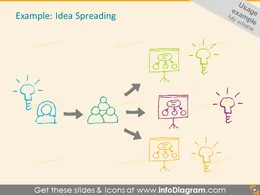
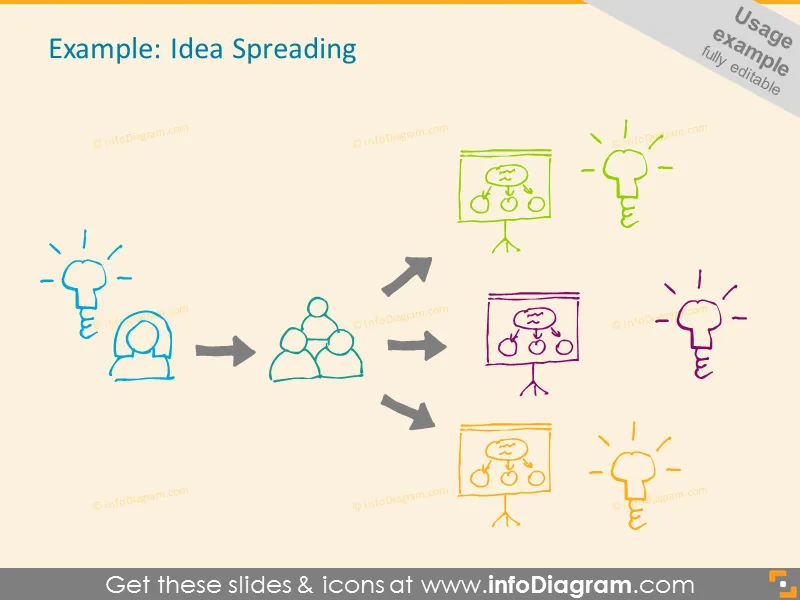
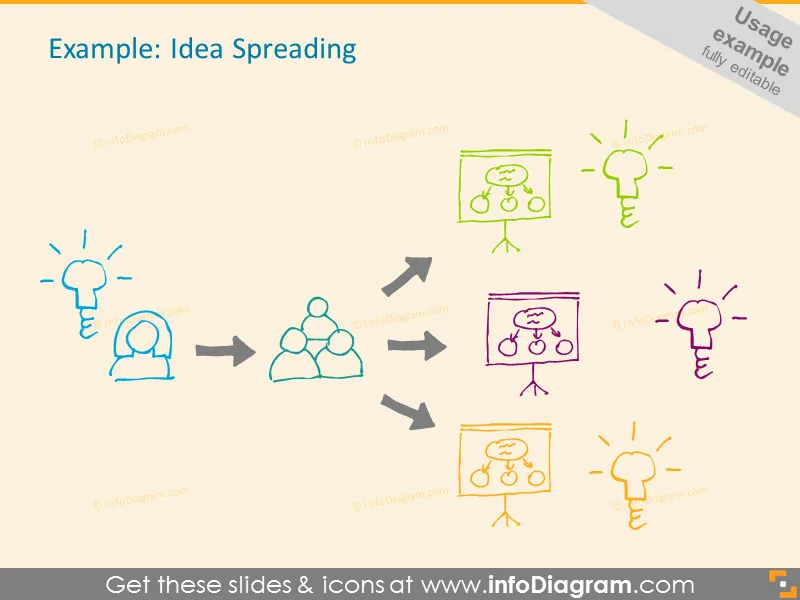
- Idea spreading
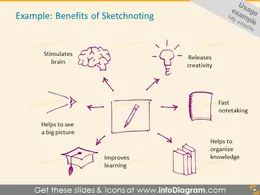
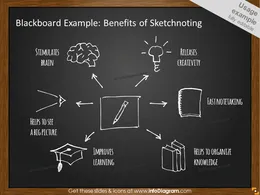
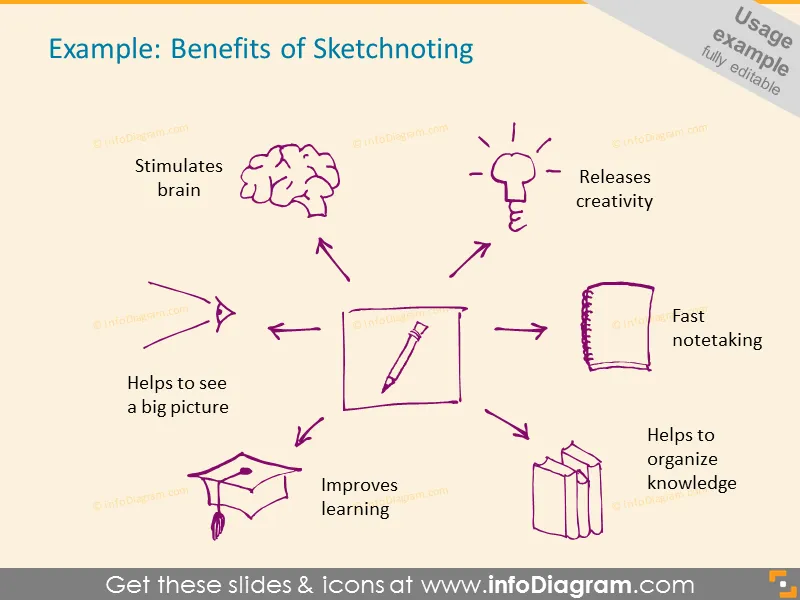
- Benefits of Sketchnoting
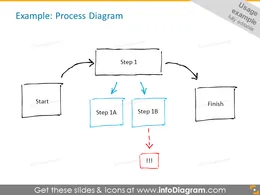
- Process Diagram
- Global supply chain process
- Project steps
- Evaluation table
- Road to success is not straight
- How to record a sketchnoting
- Travel story layout
- Benefits of Sketchnoting
- Symbols of:
- People: running, man
- Creativity: brain, bulb, scissors, brush
- Project planning: start, stop, sign, task, steps, traces
- Mission, Vision, goal: bulb, top
- Concepts: star, idea, question, mark, diagram
- Approvements, disapprovements: happy, sad, face
- Office documents: paper, notes, paperclip, notebook
- Resources: money, man, clock, time, box
- IT, Computers: monitor, notebook, laptop, phone, smartphone, printer
- Communication: phone, message, letter, note
- Contact: phone, email, letter
- Meetings: audience, presentation, board, show, session
- Experiments, testing: try, out, checking, sample, trial, analyze
- Buildings: home, factory, mill, parliament, office
- Media: microphone, radio, photo, recording, video
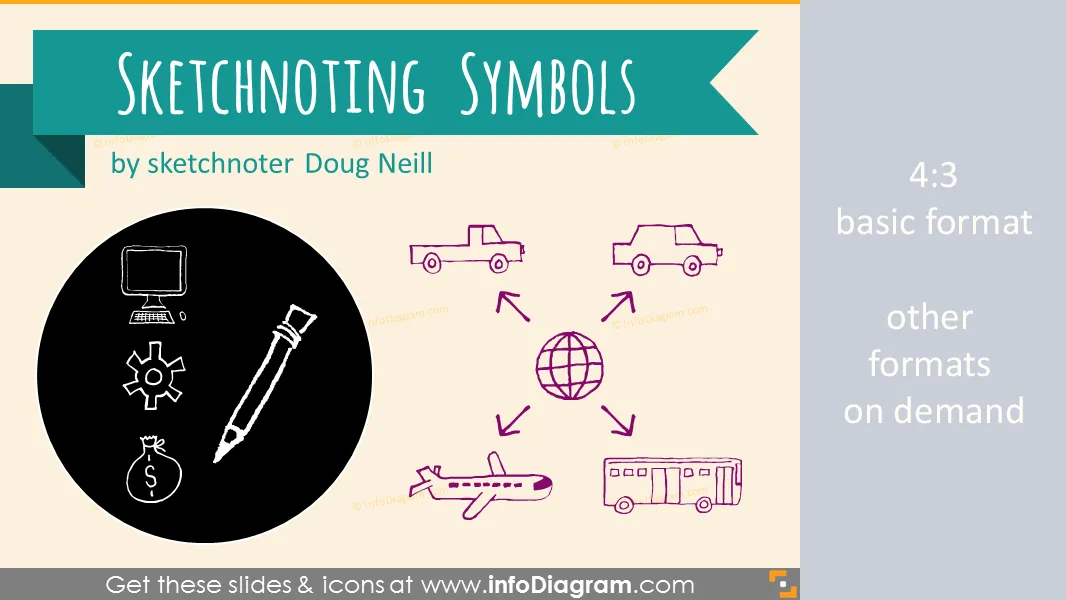
- Localization, logistics: world, globe, earth, compass
- Transport: car, truck, plane, bus
- Tools: hammer, screwdriver, magnifier, ruler
- Education: briefcase, diploma, graduate, book, student
- Writing, drawing, creating, pen, marker symbols
- Process and trends: arrow, diagram, chart, graph, direction, gear
- Shapes: square, rectangle, circle, triangle
- Arrows: direction, forward
- Music: tune, melody, guitar
- Sport: ball, football, rugby, tennis, trophy, volleyball
- Nature: tree, forest, flower
- Leisure: vacation, relax, kite, cycling, bicycle, water, sailing
- Food, Drinks, Eating: cup, glass, bottle, drink
- Cooking: frying pan, knife, fork, spoon, plate
- Backpack, Clothes: pants, socks, t-shirt
- Weather: temperature, sun, moon, sunshade, umbrella
- Furniture: chair, table, sofa, bed Fully editable in PowerPoint set of vector shapes fully editable by using built-in PowerPoint tools, including
- changing color of the icon filling and its outline
- adding shadows
- changing shape and size, rotating, flipping the object
- putting shapes behind or on top of text See editing demonstration in our HowTo Videos.
Authors
* Symbols design: **Doug Neill**
* [Verbal to Visual blog and Classroom ](http://www.verbaltovisual.com) (online course on sketchnoting)
* Twitter: [@douglaspneill ](https://twitter.com/douglaspneill)
* PowerPoint implementation: infoDiagram team [ Contact via infoDiagram.com ](/contact/)
Slides included in this PowerPoint Presentation:
- Idea Spreading - sketchnoting symbols diagram
- Benefits of Sketchnoting Doodle illustration
- Benefits of Sketchnoting on Blackboard
- Process Diagram
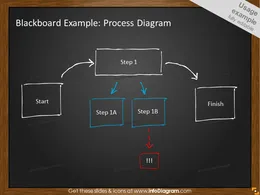
- Process Diagram on Blackboard
- Global Supply Chain Example
- Global Supply Chain Example on Blackboard
- Project Steps Example
- Evaluation Table Example
- Road To Success Is Not Straight Example
- How To Record a Sketchnoting
- Travel Story Layout Example
- People Symbols
- Creativity Symbols
- Project planning Symbols
- Mission, Vision, Goal Symbols
- Concepts Symbols
- Approvements and Disapprovements Symbols
- Office Documents Symbols
- Resources Symbols
- IT, Computers Symbols
- Communication Symbols
- Contact symbols
- Meetings symbols
- Experiments, testing symbols
- Buildings symbols
- Media symbols
- Localization, logistics symbols
- Transport symbols
- Tools symbols
- Education symbols
- Writing, Drawing, Creating, Pen, Marker symbols
- Process and trends symbols
- Shapes for creating diagrams
- Arrows for creating diagrams
- Arrows symbols
- Music symbols
- Sport symbols
- Nature symbols
- Leisure symbols
- Food, Drinks, Eating symbols
- Cooking symbols
- Backpack, Clothes symbols
- Weather symbols
- Furniture symbols
How to Edit
How to edit text & colors

How to expand / shorten diagram

How to Replace Icons in infoDiagram PPT