FINANCIAL REPORTS
PPT visuals to present your key numbers
Present Your Topic Visually:
Reviews
Your graphics add a nice touch to my presentations and I recently used them for one of my all-hands meetings. Your toolbox adds professionalism to my slides. Instead of using standard clipart.
I needed a fresh look at some of my slides. I've tried to find a way to create a paintbrush effect, to underline, accentuate, add some color and the handwritten markers were just the things. Very easy to use, easy to size, change the color. It was an affordable, perfect solution and I'm happy to recommend it.
The crisp, clean look of the graphics, and the fact that it allowed me to easily edit and change the colors to match the template was my main reason for purchasing them.
Usage example
Description
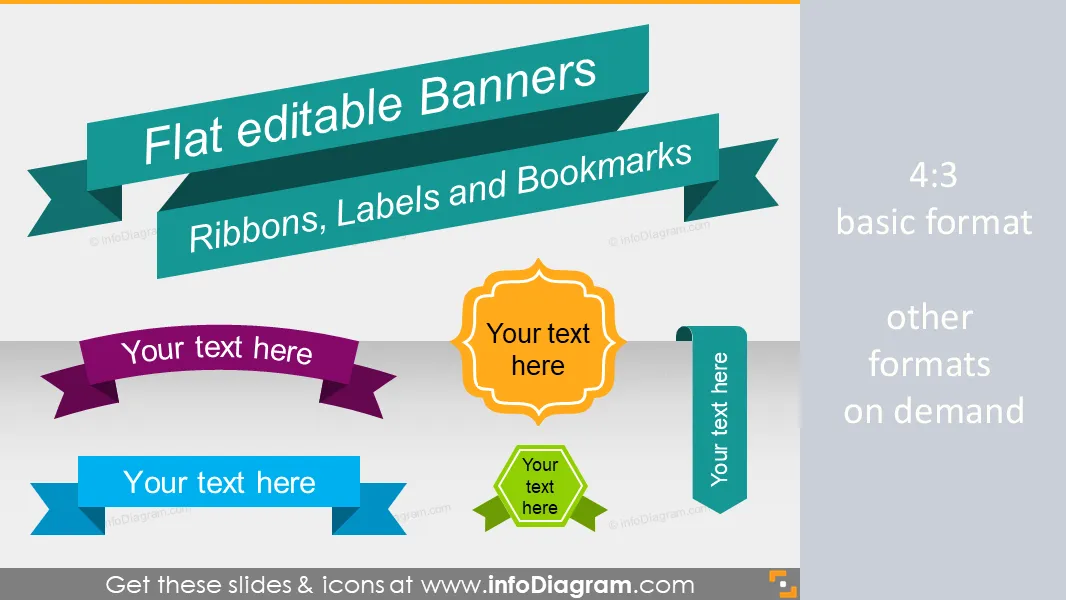
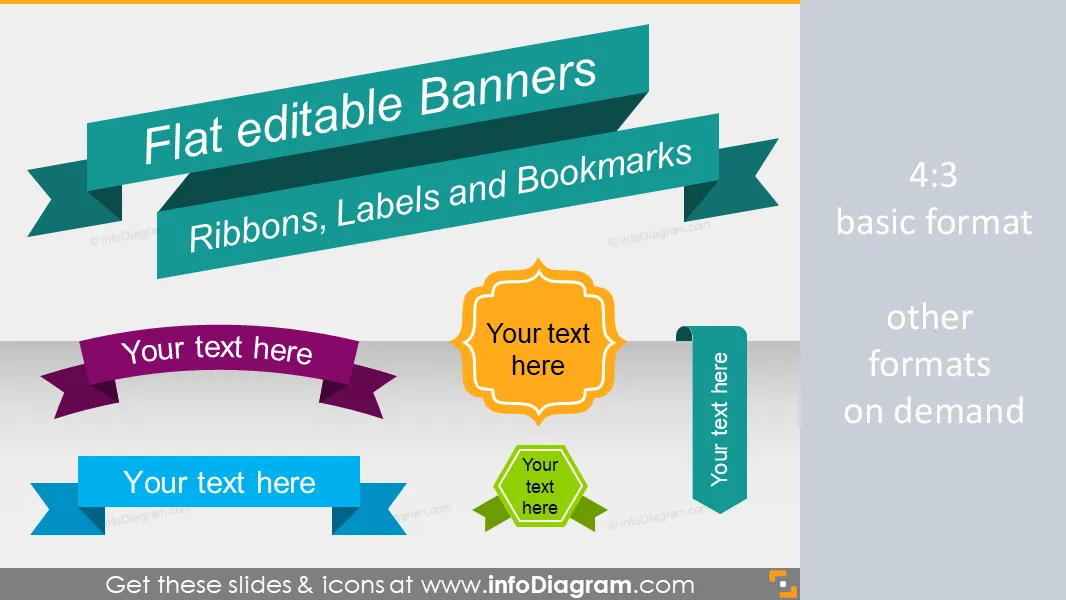
Slide title banners, ribbons and labels in flat, metro UI style. Shapes for infographics and visual bookmarks.
- 66 flat shapes: banners, ribbons, bookmark labels
- Usage examples: World map trip, Numbering, Unique slide titles
- Simple plain graphics style
- Fully editable colors & size in PowerPoint (vector format)
Content
Flat Metro Graphical Style banner shapes for slide titles, infographics, and other visualization use
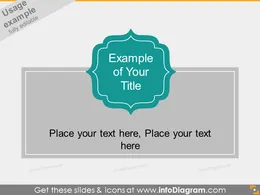
- to illustrate slides by adding unique titles and bookmarks
- to create infographics like slides design in PowerPoint
Package content - editable vector shapes:
- Banners for shorter and longer texts - outline and with plain blue retro filling
- Straight and arc banners
- Double sided stripe banner ribbons
- Banners for numbering (1,2,3 ..., A, B, C ...)
- Color variations of banners - turquoise, light blue, violet, yellow, light green
- Bookmark shapes, vertical and horizontal
- Circle badge banner
- Comment placeholder labels (cloud, rectangle)
Editable elements
Fully editable in PowerPoint set of vector shapes fully editable by using built-in PowerPoint tools, including
- changing colors of the banner shapes
- adding shadows and gradients
- changing shape and size, rotating, flipping the object
- putting shapes behind or on top of text
See editing demonstration in our HowTo Videos.
Author
- InfoDiagram designer & Prezentio.com designers
- Contact: infoDiagram
Slides included in this PowerPoint Presentation:
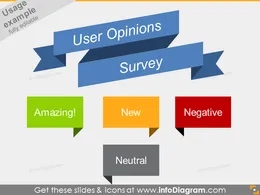
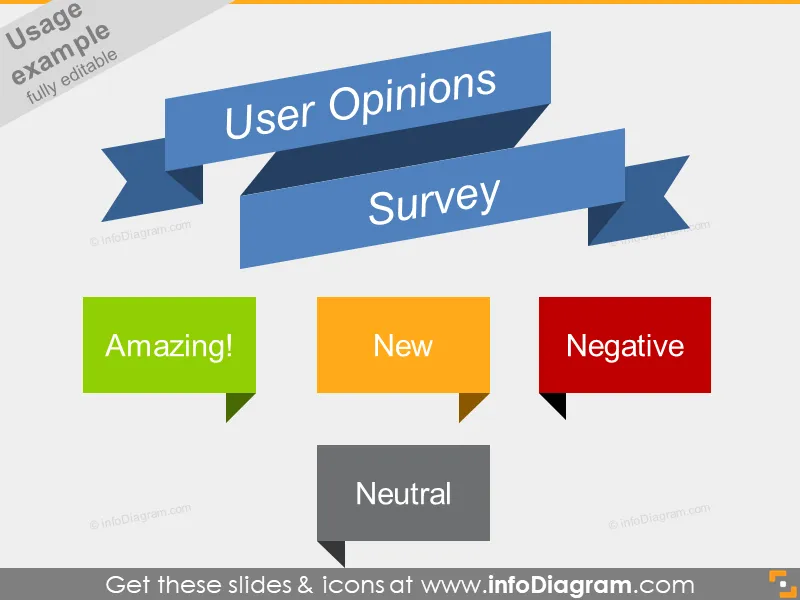
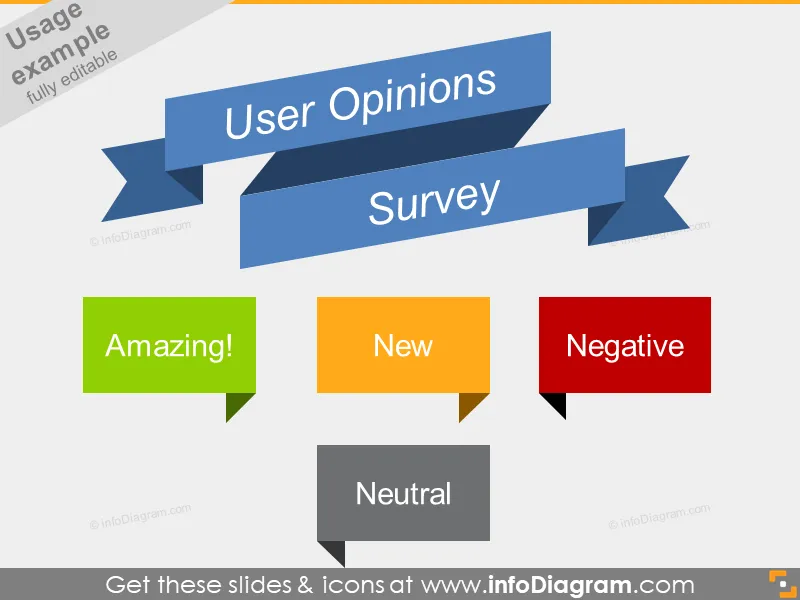
- User Opinion Positive Negative Survey Banners Flat Ribbons PPT icon
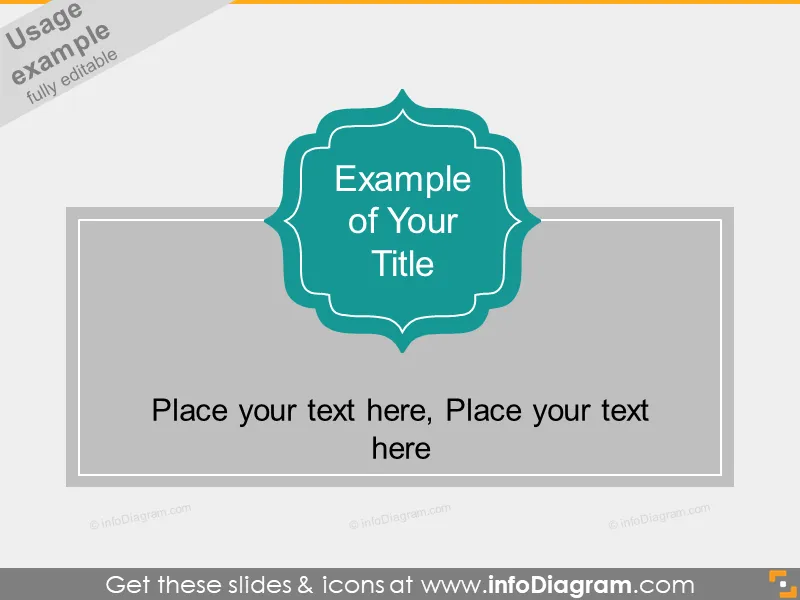
- Curved Flat Title Banner Metro Style powerpoint
- Metro Banner Slanted Ribbon Infographics Title ppt
- Two Column Title Banner Ribbon Metro Style pptx
- Two Column Title Banner Ribbon Dark Metro UI pptx
- Flat Banners Metro Icon Infographics Slide Title
- Bookmark Ribbon Shape Slide Infographics PowerPoint
- Numbering Ribbon Slide Infographics PowerPoint shape
- World Trip Map Flat Arc Banner Ribbon Brown Style PPT
- World Map Day Flat Ribbon Banner PowerPoint dark
- Text List Items Ribbons PowerPoint placeholder
- Flat Banners Ribbons Metro Style Infographics Titles PPT
- Centered Ribbon Banners Flat Infographics Titles PPT
- Centered Wide Ribbon Banners Flat PowerPoint Title
- Side Ribbon Banners Flat PowerPoint Title shapes
- Centered Stripe Banners Flat Titles Infographics PPTX
- Stripe Comment Text field Flat powerpoint clip art
- Arc Ribbon Flat Banner Infographic Title PowerPoint icon
- Slanted Ribbon Banner Infographic Title PPTX icon
- Flat Banners Double Ribbons Infographics PPT clipart
- Ribbons Label Circle Rhombus PowerPoint icon
- Ribbon Bookmark Metro Style Powerpoint Title Banner
- Ribbon Bookmark Flat Powerpoint Title Banner
- Vertical Ribbon Bookmark Flat Banner pptx clipart
- Vertical Ribbon Bookmark Metro Banner pptx
- Curved Flat Labels Banners Metro Slide Header pptx
- Curved Slide Label Flat PowerPoint Title Field
- Flat Label Hectagonal PowerPoint Slide Title Field
How to Edit
How to edit text & colors

How to expand / shorten diagram

How to Replace Icons in infoDiagram PPT