
Your graphics add a nice touch to my presentations and I recently used them for one of my all-hands meetings. Your toolbox adds professionalism to my slides. Instead of using standard clipart.
Claude Jones, Director of Engineer, @Walmartlabs, USA

Your graphics add a nice touch to my presentations and I recently used them for one of my all-hands meetings. Your toolbox adds professionalism to my slides. Instead of using standard clipart.
Claude Jones, Director of Engineer, @Walmartlabs, USA

I needed a fresh look at some of my slides. I've tried to find a way to create a paintbrush effect, to underline, accentuate, add some color and the handwritten markers were just the things. Very easy to use, easy to size, change the color. It was an affordable, perfect solution and I'm happy to recommend it.
Anonymous, US
The crisp, clean look of the graphics, and the fact that it allowed me to easily edit and change the colors to match the template was my main reason for purchasing them.
Brandie Jenkins, E-learning Developer, USA
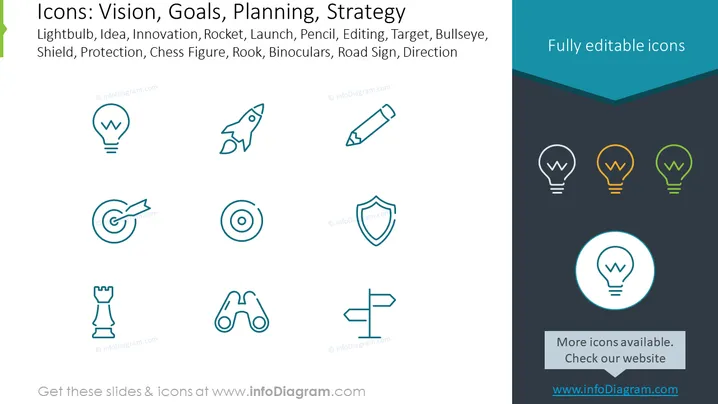
The PowerPoint slide presents a collection of icons, each symbolizing different components of business strategy and planning: Lightbulb (suggesting an idea or moment of innovation), Rocket (indicating launch or rapid growth), Pencil (representing editing or crafting plans), Target (for goals, focus or bullseye precision), Shield (showing protection or defensive strategies), Chess Figure, specifically a Rook (denoting strategic moves or decisions), Binoculars (implying vision or looking ahead), and Road Sign (for direction or guidance). These icons provide visual representation to complement textual information related to vision, goals, planning, and strategy discussions.
The slide has a professional and sleek design that efficiently uses space and icons for optimal visual impact. The consistent iconography and coordinated color palette create an engaging visual for the viewer.


