

Your graphics add a nice touch to my presentations and I recently used them for one of my all-hands meetings. Your toolbox adds professionalism to my slides. Instead of using standard clipart.
Claude Jones, Director of Engineer, @Walmartlabs, USA

Your graphics add a nice touch to my presentations and I recently used them for one of my all-hands meetings. Your toolbox adds professionalism to my slides. Instead of using standard clipart.
Claude Jones, Director of Engineer, @Walmartlabs, USA
I needed a fresh look at some of my slides. I've tried to find a way to create a paintbrush effect, to underline, accentuate, add some color and the handwritten markers were just the things. Very easy to use, easy to size, change the color. It was an affordable, perfect solution and I'm happy to recommend it.
Anonymous, US
The crisp, clean look of the graphics, and the fact that it allowed me to easily edit and change the colors to match the template was my main reason for purchasing them.
Brandie Jenkins, E-learning Developer, USA
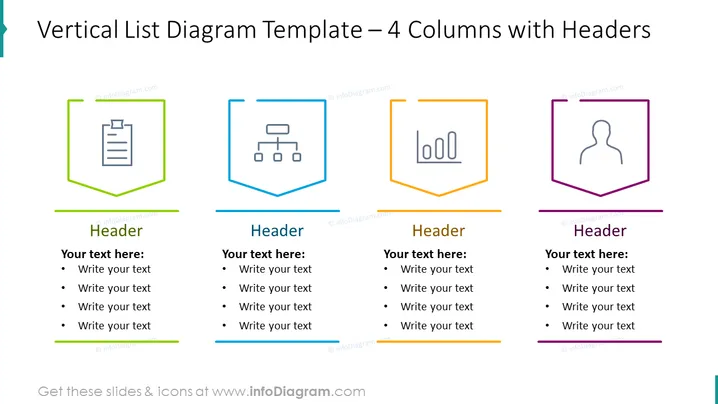
The slide presents a vertical list diagram template with four columns, each featuring unique headers and icons to distinguish different concepts. The first column showcases an icon of a clipboard, suggesting content related to documentation or records. Each column follows a similar structure: a colored icon within a distinctive shaped border, a header for topic identification, and a bulleted list for detailed information or talking points. The second column uses an organizational chart icon, implying a focus on structure or hierarchy, while the third column's bar chart icon indicates statistical or performance-related data. The last column displays a user icon, typically representing demographic or personnel information.
The overall look of the slide is modern and professional. The use of color-coded icons and shapes facilitates quick understanding and visual distinction between the columns.



