

Your graphics add a nice touch to my presentations and I recently used them for one of my all-hands meetings. Your toolbox adds professionalism to my slides. Instead of using standard clipart.
Claude Jones, Director of Engineer, @Walmartlabs, USA

Your graphics add a nice touch to my presentations and I recently used them for one of my all-hands meetings. Your toolbox adds professionalism to my slides. Instead of using standard clipart.
Claude Jones, Director of Engineer, @Walmartlabs, USA
I needed a fresh look at some of my slides. I've tried to find a way to create a paintbrush effect, to underline, accentuate, add some color and the handwritten markers were just the things. Very easy to use, easy to size, change the color. It was an affordable, perfect solution and I'm happy to recommend it.
Anonymous, US
The crisp, clean look of the graphics, and the fact that it allowed me to easily edit and change the colors to match the template was my main reason for purchasing them.
Brandie Jenkins, E-learning Developer, USA
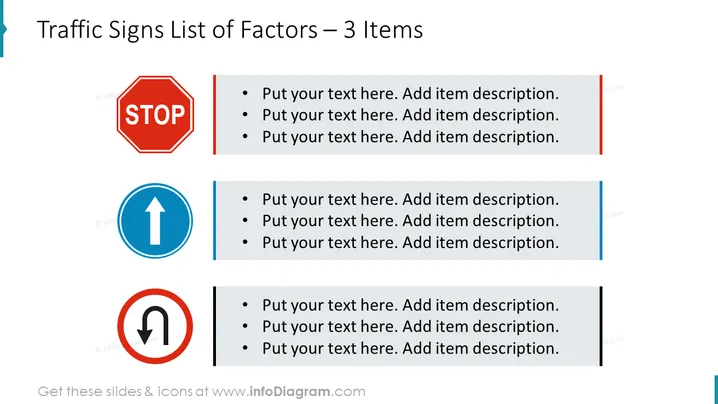
The PowerPoint slide titled "Traffic Signs List of Factors – 3 Items" presents a trio of common road traffic signs, each associated with bulleted text placeholders for item descriptions. The signs are "STOP," "Arrow indicating straight ahead," and "U-turn prohibited," symbolizing different actions or restrictions. These serve as metaphors for stopping a process, continuing forward, or not reversing a decision or policy—useful for conveying strategic directions or operational guidelines.
The slide sports a clean and professional look with a clear hierarchy, making it easy to absorb the information. The use of familiar traffic symbols adds a visual metaphor to the textual content, reinforcing the message.



