

Your graphics add a nice touch to my presentations and I recently used them for one of my all-hands meetings. Your toolbox adds professionalism to my slides. Instead of using standard clipart.
Claude Jones, Director of Engineer, @Walmartlabs, USA

Your graphics add a nice touch to my presentations and I recently used them for one of my all-hands meetings. Your toolbox adds professionalism to my slides. Instead of using standard clipart.
Claude Jones, Director of Engineer, @Walmartlabs, USA
I needed a fresh look at some of my slides. I've tried to find a way to create a paintbrush effect, to underline, accentuate, add some color and the handwritten markers were just the things. Very easy to use, easy to size, change the color. It was an affordable, perfect solution and I'm happy to recommend it.
Anonymous, US
The crisp, clean look of the graphics, and the fact that it allowed me to easily edit and change the colors to match the template was my main reason for purchasing them.
Brandie Jenkins, E-learning Developer, USA
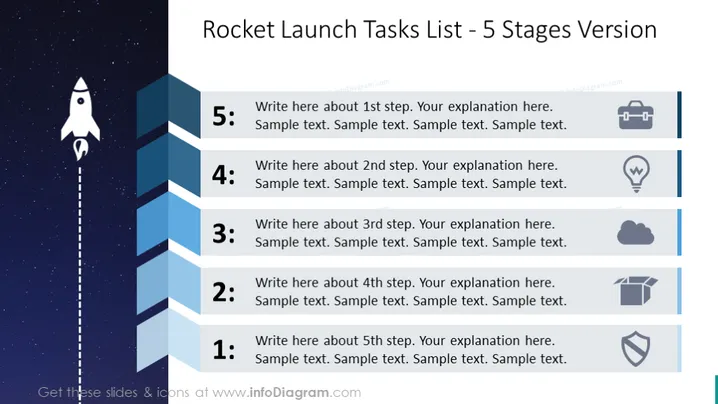
The slide is structured to outline a Rocket Launch Tasks List with a 5 Stages Version format. Each stage is represented with a number and is accompanied by a space for writing descriptions. 'Stage 5' might be the final checks before launch, 'Stage 4' could involve system checks, 'Stage 3' might represent integration testing, 'Stage 2' could cover assembling parts, and 'Stage 1' perhaps stands for initial design and concept. All stages are designed to guide the audience through a sequential process with space for detailed explanations.
The slide is colored with a gradient of blue shades that create a sense of depth, complementing the space theme. The icons add a visual clue to each stage of the task list, making the slide both informative and visually engaging.



