
Reviews
Your graphics add a nice touch to my presentations and I recently used them for one of my all-hands meetings. Your toolbox adds professionalism to my slides. Instead of using standard clipart.
I needed a fresh look at some of my slides. I've tried to find a way to create a paintbrush effect, to underline, accentuate, add some color and the handwritten markers were just the things. Very easy to use, easy to size, change the color. It was an affordable, perfect solution and I'm happy to recommend it.
The crisp, clean look of the graphics, and the fact that it allowed me to easily edit and change the colors to match the template was my main reason for purchasing them.
Description
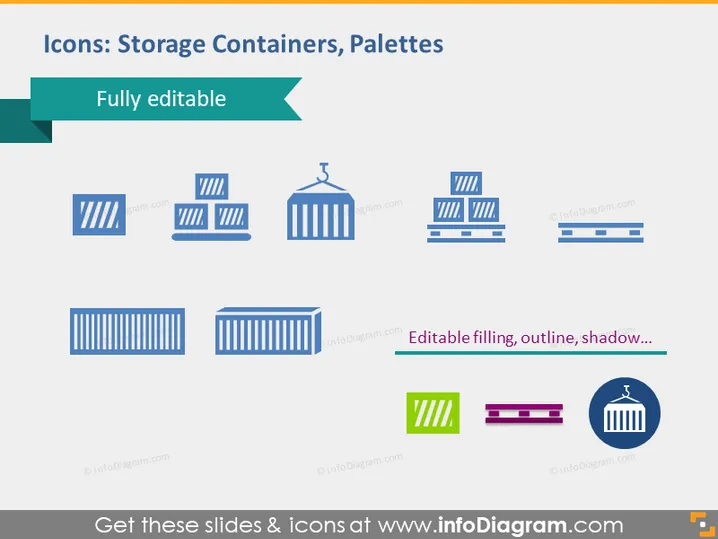
Icons: Storage Containers, Palettes
Slide Content
The PowerPoint slide presents a collection of icons representing storage containers and palettes, highlighting that they are "Fully editable." The icons include different styles of containers and palettes, some with stripes indicating their structure, and one with a lifting hook. Each icon demonstrates a unique design element, from simple outlines to three-dimensional shading, conveying that these visuals can be customized in terms of filling, outline, and shadow effects.
Graphical Look
- The slide background is white, providing a clean and neutral canvas for the icons.
- A dark blue, rectangular banner spans the top of the slide, containing the title in white text.
- A light turquoise ribbon banner is partially overlaid on the left side of the title banner, emphasizing the "Fully editable" text.
- Below the title, there are eight icons in total, arrayed in three rows.
- The icons are predominantly blue with variations in shade, creating a cohesive color scheme.
- Each icon represents a different type of storage container or palette, designed with a flat graphic style.
- One icon in the lower right corner has additional design notes beside it, indicating editable features.
- The icons are evenly spaced, and their alignment creates a grid-like structure on the slide.
The overall look of the slide is professional and straightforward, with a clear focus on the icons. The consistent use of color and simple graphics makes the content easy to understand at a glance.
Use Cases
- In a presentation discussing logistics, supply chain management, or warehousing solutions to visualize different types of storage solutions.
- During a business meeting to demonstrate the customizable nature of graphic resources for marketing or instructional materials.
- In a training session for employees to familiarize them with the icons that may be used in company software or documentation.
- For an e-commerce platform presentation that needs to highlight various packaging options available for sellers.
How to Edit
How to edit text & colors

How to expand / shorten diagram

How to Replace Icons in infoDiagram PPT


