

Your graphics add a nice touch to my presentations and I recently used them for one of my all-hands meetings. Your toolbox adds professionalism to my slides. Instead of using standard clipart.
Claude Jones, Director of Engineer, @Walmartlabs, USA

Your graphics add a nice touch to my presentations and I recently used them for one of my all-hands meetings. Your toolbox adds professionalism to my slides. Instead of using standard clipart.
Claude Jones, Director of Engineer, @Walmartlabs, USA
I needed a fresh look at some of my slides. I've tried to find a way to create a paintbrush effect, to underline, accentuate, add some color and the handwritten markers were just the things. Very easy to use, easy to size, change the color. It was an affordable, perfect solution and I'm happy to recommend it.
Anonymous, US
The crisp, clean look of the graphics, and the fact that it allowed me to easily edit and change the colors to match the template was my main reason for purchasing them.
Brandie Jenkins, E-learning Developer, USA
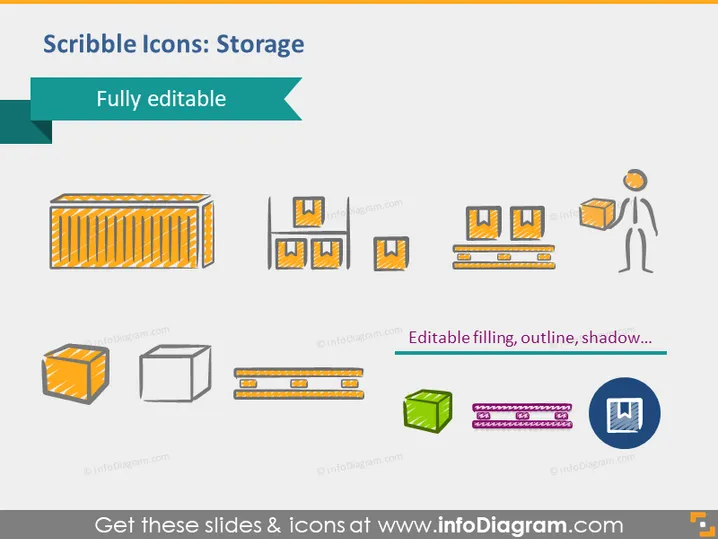
The PowerPoint slide titled "Scribble Icons: Storage" displays a collection of doodle-style icons representing various storage forms. These stylized, sketch-like icons include a large storage container, multiple storage boxes in different perspectives, pallets with boxes, a figure lifting a box, an open box, a closed box, server racks, and database or network storage symbols. Each icon visually conveys a different aspect of storage, highlighting versatility within the theme of storing goods or data.
The overall look of the slide is clean and playful, employing a scribble or doodle design approach to represent elements associated with storage. The consistent use of color and informal illustration style creates an engaging visual theme.



