

Your graphics add a nice touch to my presentations and I recently used them for one of my all-hands meetings. Your toolbox adds professionalism to my slides. Instead of using standard clipart.
Claude Jones, Director of Engineer, @Walmartlabs, USA

Your graphics add a nice touch to my presentations and I recently used them for one of my all-hands meetings. Your toolbox adds professionalism to my slides. Instead of using standard clipart.
Claude Jones, Director of Engineer, @Walmartlabs, USA
I needed a fresh look at some of my slides. I've tried to find a way to create a paintbrush effect, to underline, accentuate, add some color and the handwritten markers were just the things. Very easy to use, easy to size, change the color. It was an affordable, perfect solution and I'm happy to recommend it.
Anonymous, US
The crisp, clean look of the graphics, and the fact that it allowed me to easily edit and change the colors to match the template was my main reason for purchasing them.
Brandie Jenkins, E-learning Developer, USA
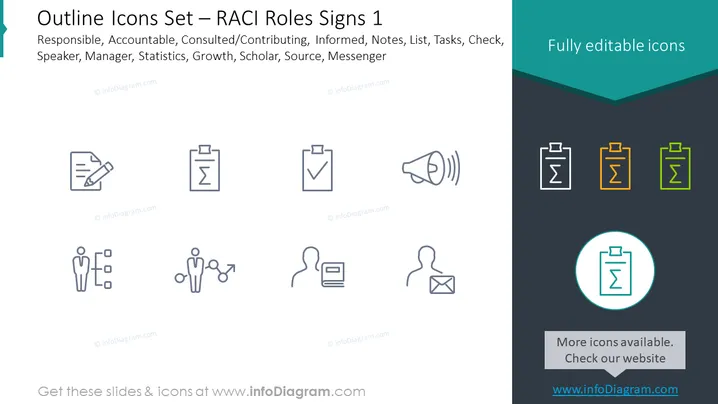
The PowerPoint slide presents a set of outline icons related to RACI roles, which represent different responsibilities in a team setting. RACI stands for Responsible, Accountable, Consulted/Contributing, and Informed. The icons depict various concepts including notes for Responsible, a clipboard with a check for Accountable, two figures with speech bubbles for Consulted/Contributing, an open envelope for Informed, and additional ones for Manager, Statistics, Growth, Scholar, Source, and Messenger. Each icon is accompanied by a brief descriptor to clarify its meaning within the context of project management or team organization.
The slide has a clean, professional appearance with a balance between text and iconography. The use of color is minimal, emphasizing the icons' editability and highlighting one particular icon for focus.



