
Reviews
Ihre Grafiken verleihen meinen Präsentationen eine nette Note, und ich habe sie kürzlich für eines meiner All-Hands-Meetings verwendet. Ihre Toolbox verleiht meinen Folien Professionalität, anstatt Standard-Clipart zu verwenden.
Ich brauchte einen neuen Blick auf einige meiner Folien. Ich habe versucht, einen Weg zu finden, einen Pinselschlag-Effekt zu erzielen, um zu unterstreichen, hervorzuheben, Farbe hinzuzufügen, und die handgeschriebenen Markierungen waren genau das Richtige. Sehr einfach zu bedienen, leicht in der Größe zu ändern, die Farbe zu ändern. Es war eine erschwingliche, perfekte Lösung und ich empfehle sie gerne weiter.
Die klare, saubere Optik der Grafiken und die Tatsache, dass ich die Farben leicht bearbeiten und an die Vorlage anpassen konnte, war mein Hauptgrund für den Kauf.
Description
Outline Icons Set — Goal & Success Planning
Slide Content
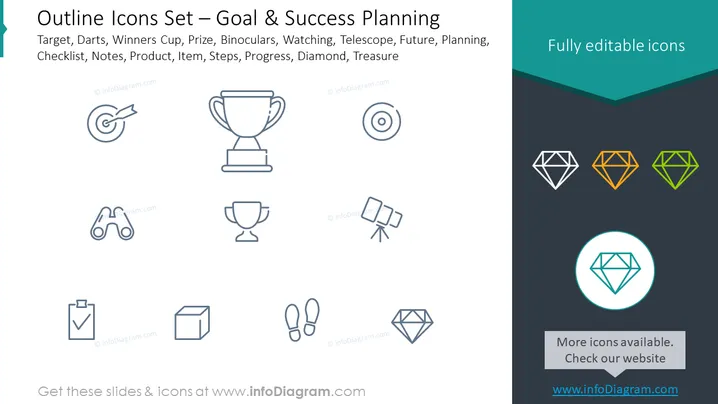
The slide titled "Outline Icons Set — Goal & Success Planning" features a collection of line art icons representing various aspects and tools of goal setting and achievement. The text lists the depicted items: Target and Darts symbolize setting specific objectives; Winners Cup stands for the achievement or prize; Binoculars for vision or looking ahead; Telescope represents future planning or distant goals; Planning refers to the process of organizing steps; Checklist for tracking progress; Notes suggest documentation; Product, Item, Steps, and Progress indicate components of project management; Diamond reflects value or quality goals; Treasure could imply the ultimate reward or success.
Graphical Look
- The slide background is split diagonally, with white on the top left and dark grey on the bottom right, creating a modern and clean look.
- A teal-colored banner with an angled fold effect houses the text "Fully editable icons" in white, adding a pop of color and visual interest to the top right corner.
- Line art icons representing target, trophy, binoculars, telescope, footsteps, checklist, box, and diamond are evenly spaced and aligned in a grid, offering a uniform look and aiding in visual organization.
- On the right side, three diamonds in different colors (white, orange, green) accompanied by a larger highlighted diamond icon encircled with a teal ring, draw attention to the concept of customization and diversity among the icons.
The overall look of the slide is sleek and professional, with a balanced layout that uses contrasting colors and shapes to create visual interest and guide the viewer's attention.
Use Cases
- As part of a strategic planning presentation, to illustrate different stages of planning and execution.
- During goal-setting workshops, to provide a visual representation of concepts associated with goal achievement.
- In motivational seminars, to symbolize various elements of success and the pathways to reach it.
- For product management or project updates, to quickly convey the status of various components or milestones using universally recognized symbols.
How to Edit
How to edit text & colors

How to expand / shorten diagram

How to Replace Icons in infoDiagram PPT


