
Reviews
Your graphics add a nice touch to my presentations and I recently used them for one of my all-hands meetings. Your toolbox adds professionalism to my slides. Instead of using standard clipart.
I needed a fresh look at some of my slides. I've tried to find a way to create a paintbrush effect, to underline, accentuate, add some color and the handwritten markers were just the things. Very easy to use, easy to size, change the color. It was an affordable, perfect solution and I'm happy to recommend it.
The crisp, clean look of the graphics, and the fact that it allowed me to easily edit and change the colors to match the template was my main reason for purchasing them.
Description
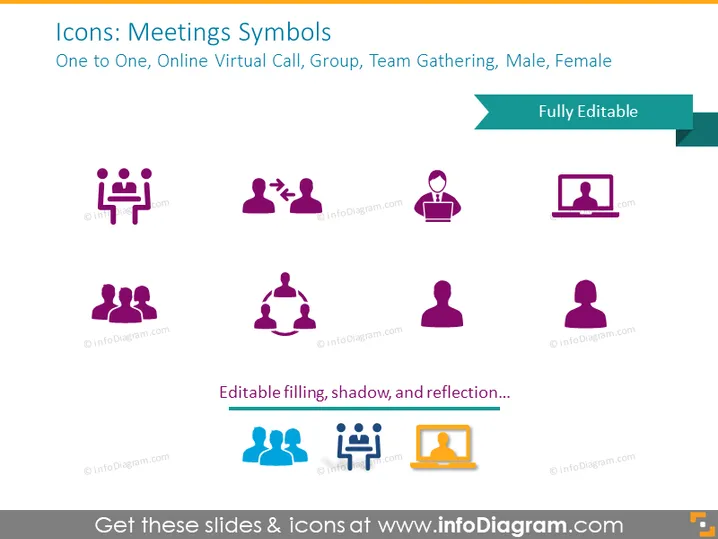
Icons: Meetings Symbols
Slide Content
The slide is centered around icons representing various meeting and interaction scenarios. The "One to One" icon signifies a direct interaction between two individuals, perhaps a personal meeting. "Online Virtual Call" is depicted by a person with a speech bubble icon, indicating a digital communication setting, such as a video conference. "Group" features three figures, likely symbolizing a team meeting. "Team Gathering" is represented by a circle of figures, typically denoting a collaborative session. Finally, the "Male, Female" icons suggest user representations or participants in a meeting context.
Graphical Look
- The slide background is a solid light gray color.
- Two shades of purple are used for the icons and the title text.
- The icons are arranged in two rows, with each icon having a white outline and a drop shadow to make them stand out against the background.
- A ribbon banner in teal with white text stating "Fully Editable" crosses the top-right corner.
- The slide title is in a large, bold font and is followed by a smaller descriptive text line that names the meeting scenarios each icon represents.
- There is a subheading at the bottom in bold font, likely suggesting that the icons have editable properties.
- Eight icons in total are displayed, each representing different meeting concepts.
The overall look of the slide is clean and modern, utilizing a consistent color scheme and simple graphics that make it visually appealing and easy to understand at a glance.
Use Cases
- To visually enhance a presentation about different modes of communication within a company.
- For employee training materials, illustrating various types of meetings and interactions that may occur in a professional setting.
- When explaining workflow or communication processes in a project proposal or progress report.
- In user interface designs or digital content to provide recognizable visual cues related to meeting types or user roles.
How to Edit
How to edit text & colors

How to expand / shorten diagram

How to Replace Icons in infoDiagram PPT


