
Reviews
Your graphics add a nice touch to my presentations and I recently used them for one of my all-hands meetings. Your toolbox adds professionalism to my slides. Instead of using standard clipart.
I needed a fresh look at some of my slides. I've tried to find a way to create a paintbrush effect, to underline, accentuate, add some color and the handwritten markers were just the things. Very easy to use, easy to size, change the color. It was an affordable, perfect solution and I'm happy to recommend it.
The crisp, clean look of the graphics, and the fact that it allowed me to easily edit and change the colors to match the template was my main reason for purchasing them.
Description
General Healthcare – Medicines
Slide Content
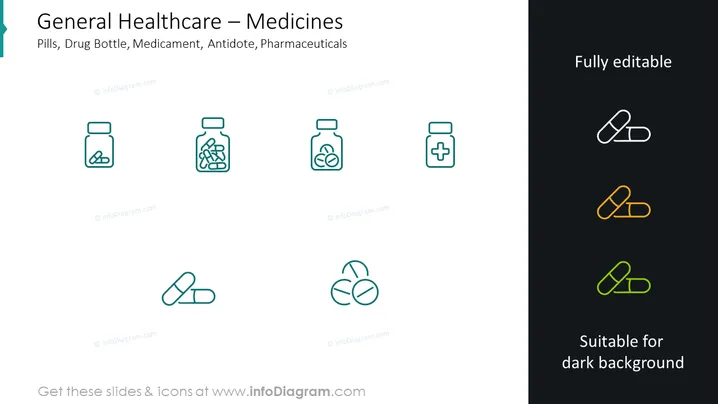
The slide is titled "General Healthcare – Medicines" and lists several items related to the healthcare industry: Pills (typically small, round objects taken as medication), Drug Bottle (container for storing drugs in liquid or powder form), Medicament (another term for medication), Antidote (a remedy to counteract a poison), and Pharmaceuticals (medicines and vaccines developed for use in healthcare).
Graphical Look
- The slide background is plain, split diagonally from top left to bottom right, with a lighter shade on the left and a dark shade on the right.
- Eight graphic icons are aligned in a symmetrical grid format, with four icons on the left matching the lighter background and four on the right suitable for the dark background.
- Icons on the left are teal, while those on the right side have a gradient color: the top is white, the middle is orange, and the bottom is neon green.
- The icons represent pharmaceutical items: a medicine bottle with pills, a bottle in capsule form, a bottle with a leaf symbol, a jar with a cross, two capsules, a trio of pills, and two additional capsule icons.
- A vertical teal banner on the left side of the slide contains the title "General Healthcare – Medicines."
- Text on the upper right states "Fully editable," and in the lower right, it says "Suitable for dark background."
The slide is clean and modern, with a balanced use of space and simplistic design elements. The contrasting color scheme effectively showcases icon variations for different background settings.
Use Cases
- Presenting different categories or types of products in pharmaceutical sales or marketing presentations.
- Highlighting various healthcare services or offerings in medical industry seminars or educational materials.
- Outlining the components of drug development in a business pitch or investor meetings.
- Incorporating visual aids into public health informational briefings or awareness campaigns.
How to Edit
How to edit text & colors

How to expand / shorten diagram

How to Replace Icons in infoDiagram PPT


