
Reviews
Sus gráficos añaden un toque agradable a mis presentaciones y recientemente los usé para una de mis reuniones generales. Su conjunto de herramientas añade profesionalismo a mis diapositivas. En lugar de usar imágenes prediseñadas estándar.
Necesitaba un aspecto fresco para algunas de mis diapositivas. Había intentado encontrar una forma de crear un efecto de pincel, de subrayar, acentuar, añadir algo de color y los marcadores escritos a mano fueron justo lo que necesitaba. Muy fácil de usar, fácil de ajustar el tamaño, cambiar el color. Fue una solución asequible y perfecta, y estoy feliz de recomendarla.
El aspecto nítido y limpio de los gráficos, y el hecho de que me permitiera editar y cambiar fácilmente los colores para que coincidieran con la plantilla fue mi principal razón para comprarlos.
Description
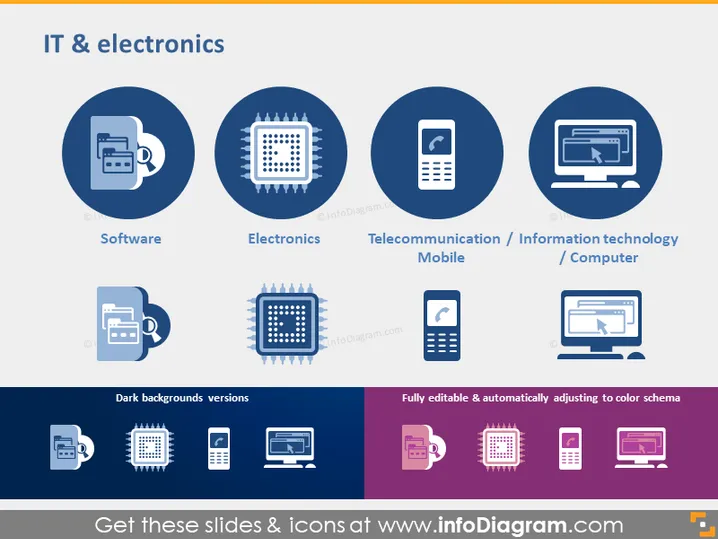
IT & electronics
Slide Content
The PowerPoint slide titled "IT & electronics" is laid out with graphical icons representing various sectors within the field. The four main categories include: Software, symbolized by an icon of a printer and a floppy disk; Electronics, indicated by a microchip icon; Telecommunication/Mobile, depicted by a mobile phone icon; and Information Technology/Computer, represented by a monitor with a cursor. Each category helps categorize and emphasize the different components of the IT and electronics industry in a visually concise manner.
Graphical Look
- Four large circles in a navy blue shade, each containing a white icon, corresponding to the topic they represent.
- Under each circle, the category name is provided in white text.
- There are two additional rows with icons in different color schemes - one for dark backgrounds and one demonstrating color adjustability.
- Each row includes a miniature version of the four previously mentioned icons, but with color variations to show versatility for different slide backgrounds.
- The slide utilizes a simple and clean design, with a navy blue and purple color palette for the icons.
The slide has a professional and modern look, with a focus on simplicity and clarity. The icons are designed to be intuitive and provide immediate recognition of the associated IT and electronics sectors.
Use Cases
- During a company overview presentation to describe various business divisions or product categories within the technology sector.
- In educational materials to introduce students to the basic areas of IT and electronics.
- For investor presentations to highlight key investment areas in a tech company's portfolio.
- Inside a technology trade show or conference, as part of a visual display explaining the scope of the technology industry.
How to Edit
How to edit text & colors

How to expand / shorten diagram

How to Replace Icons in infoDiagram PPT


