

Your graphics add a nice touch to my presentations and I recently used them for one of my all-hands meetings. Your toolbox adds professionalism to my slides. Instead of using standard clipart.
Claude Jones, Director of Engineer, @Walmartlabs, USA

Your graphics add a nice touch to my presentations and I recently used them for one of my all-hands meetings. Your toolbox adds professionalism to my slides. Instead of using standard clipart.
Claude Jones, Director of Engineer, @Walmartlabs, USA
I needed a fresh look at some of my slides. I've tried to find a way to create a paintbrush effect, to underline, accentuate, add some color and the handwritten markers were just the things. Very easy to use, easy to size, change the color. It was an affordable, perfect solution and I'm happy to recommend it.
Anonymous, US
The crisp, clean look of the graphics, and the fact that it allowed me to easily edit and change the colors to match the template was my main reason for purchasing them.
Brandie Jenkins, E-learning Developer, USA
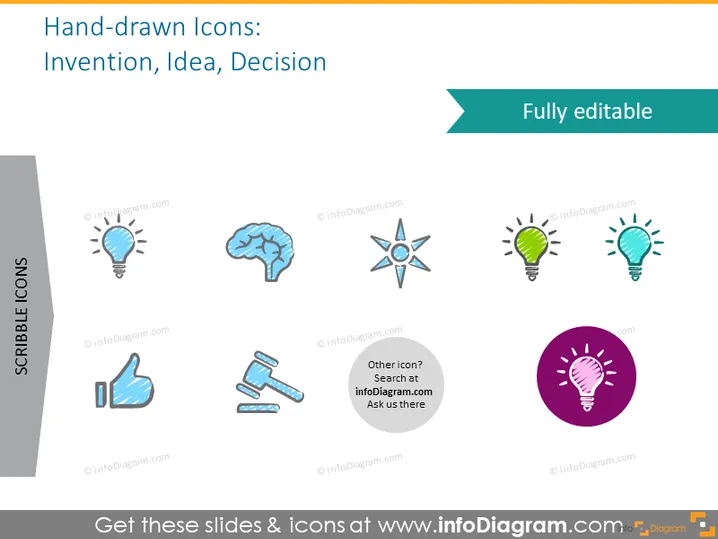
This slide displays a collection of hand-drawn icons related to the theme of "Invention, Idea, Decision". These icons depict different elements associated with creativity and decision-making processes. The light bulb symbolizes new ideas or innovation, which is a universal metaphor for inventive thoughts. The brain icon represents intellect and mental processes, highlighting the cognitive aspects of idea generation. A compass implies direction and decision-making, indicating finding one's way or making strategic choices. Another light bulb enclosed within a circle, likely a variant representation of an idea. The thumbs up icon suggests approval or positive decision, conveying agreement or success. An invitation to seek more icons suggests the slide is part of a larger resource.
The slide is visually clean and employs a consistent hand-drawn style for the icons. The use of drop shadows and a contrasting circle around one icon adds visual interest to the overall design, while the light blue and pink provide color accents on a neutral background.



