
Reviews
Sus gráficos añaden un toque agradable a mis presentaciones y recientemente los usé para una de mis reuniones generales. Su conjunto de herramientas añade profesionalismo a mis diapositivas. En lugar de usar imágenes prediseñadas estándar.
Necesitaba un aspecto fresco para algunas de mis diapositivas. Había intentado encontrar una forma de crear un efecto de pincel, de subrayar, acentuar, añadir algo de color y los marcadores escritos a mano fueron justo lo que necesitaba. Muy fácil de usar, fácil de ajustar el tamaño, cambiar el color. Fue una solución asequible y perfecta, y estoy feliz de recomendarla.
El aspecto nítido y limpio de los gráficos, y el hecho de que me permitiera editar y cambiar fácilmente los colores para que coincidieran con la plantilla fue mi principal razón para comprarlos.
Description
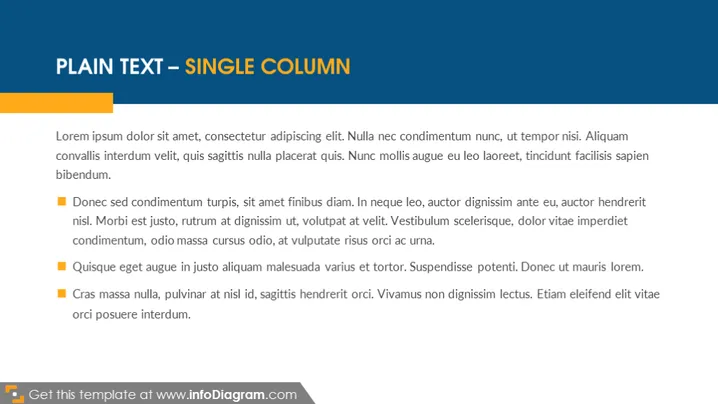
PLAIN TEXT – SINGLE COLUMN
Slide Content
The slide titled "PLAIN TEXT – SINGLE COLUMN" appears to be a template for presenting information in a clear and organized format. It contains a sample text which is Lorem Ipsum, a placeholder text commonly used in the graphic design, typesetting, and publishing industries. The slide has four bullet points each highlighting a unique statement, likely to show how individual points would be displayed using the template. These bullet points might represent distinct topics or ideas that one would elaborate upon during an actual presentation.
Graphical Look
- The slide background is a solid, dark navy blue color.
- The slide title is in uppercase, in a large white font, and placed at the top of the slide.
- Below the title, there is a horizontal orange bar that spans the width of the slide.
- Each bullet point begins with a square icon filled with a dark orange color, contrasting with the background.
- Text for each bullet point is in a white sans-serif font, which provides good readability against the dark background.
- The layout is clean with generous white space around the text, contributing to a sleek and modern feel.
The overall look of the slide is professional and minimalist, focusing the viewer's attention on the content. The contrast between the text color and the dark background ensures clarity and ease of reading.
Use Cases
- Presenting key points in a business meeting to maintain audience focus on the information being conveyed.
- Using as an introductory slide to outline topics that will be discussed in detail in subsequent slides.
- Formatting slides for webinars or online presentations where clear visibility of text is important due to potentially diverse viewing conditions.
- Showcasing product features or service benefits in a sales pitch where simple, direct communication is effective.
How to Edit
How to edit text & colors

How to expand / shorten diagram

How to Replace Icons in infoDiagram PPT


