
Reviews
Ihre Grafiken verleihen meinen Präsentationen eine nette Note, und ich habe sie kürzlich für eines meiner All-Hands-Meetings verwendet. Ihre Toolbox verleiht meinen Folien Professionalität, anstatt Standard-Clipart zu verwenden.
Ich brauchte einen neuen Blick auf einige meiner Folien. Ich habe versucht, einen Weg zu finden, einen Pinselschlag-Effekt zu erzielen, um zu unterstreichen, hervorzuheben, Farbe hinzuzufügen, und die handgeschriebenen Markierungen waren genau das Richtige. Sehr einfach zu bedienen, leicht in der Größe zu ändern, die Farbe zu ändern. Es war eine erschwingliche, perfekte Lösung und ich empfehle sie gerne weiter.
Die klare, saubere Optik der Grafiken und die Tatsache, dass ich die Farben leicht bearbeiten und an die Vorlage anpassen konnte, war mein Hauptgrund für den Kauf.
Description
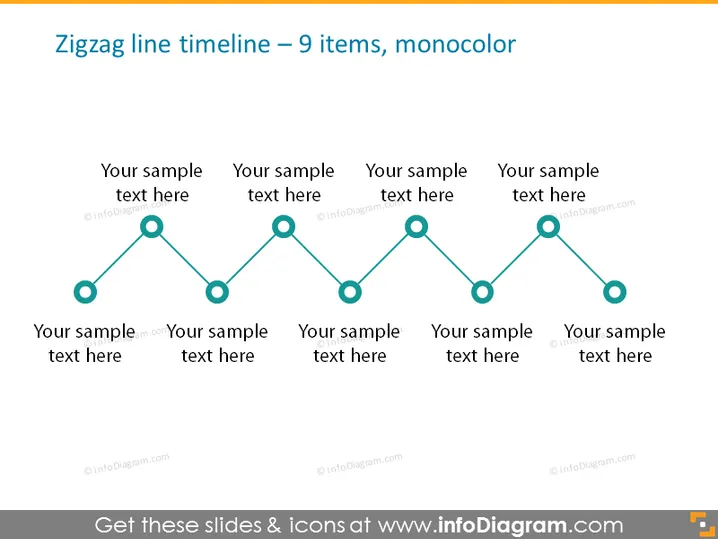
Zigzag line timeline – 9 items, monocolor
Slide Content
The slide presents a timeline with a zigzag design, consisting of 9 items in a monochromatic color scheme. Each point on the timeline seems to represent a step or stage, and it's accompanied by a placeholder text saying “Your sample text here,” indicating where to insert specific descriptions about each step. This arrangement can be used to display a sequence of events, processes, or milestones in a simplified and aesthetic way.
Graphical Look
- The slide background is plain and light.
- A zigzag line moves horizontally across the slide, representing a timeline.
- Circles are evenly placed along the line, indicating individual points in time.
- Each circle is connected by a straight line segment, creating the zigzag pattern.
- Text placeholders accompany each circle, centered below or above these points.
- The text and circles are all the same color, showing a monochromatic design.
The slide has a clean and modern look, with a clear focus on the timeline. The monochromatic color scheme and simple geometry contribute to a professional and easy-to-read appearance.
Use Cases
- To present project milestones and their corresponding descriptions during a business update meeting.
- For illustrating a historical timeline of company events in a corporate presentation.
- To display a process flow with sequential steps during a training or educational session.
- Ideal for visualizing a product development lifecycle in a pitch to investors or stakeholders.
How to Edit
How to edit text & colors

How to expand / shorten diagram

How to Replace Icons in infoDiagram PPT


