
Reviews
Your graphics add a nice touch to my presentations and I recently used them for one of my all-hands meetings. Your toolbox adds professionalism to my slides. Instead of using standard clipart.
I needed a fresh look at some of my slides. I've tried to find a way to create a paintbrush effect, to underline, accentuate, add some color and the handwritten markers were just the things. Very easy to use, easy to size, change the color. It was an affordable, perfect solution and I'm happy to recommend it.
The crisp, clean look of the graphics, and the fact that it allowed me to easily edit and change the colors to match the template was my main reason for purchasing them.
Description
Industry Symbols
Slide Content
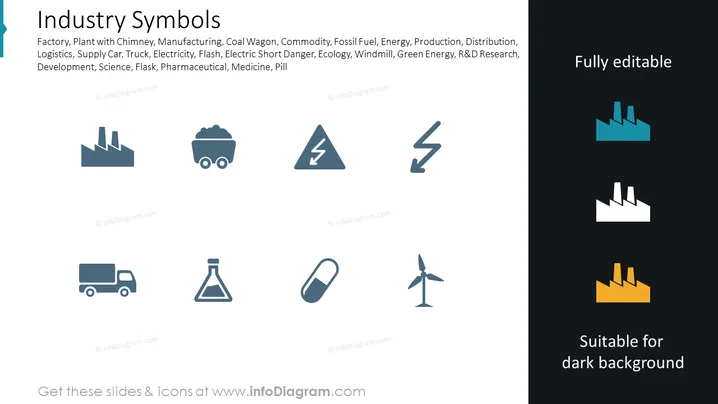
The PowerPoint slide titled "Industry Symbols" displays a collection of icons associated with various sectors and activities within the industrial realm. These icons illustrate elements such as a factory or plant with a chimney, representing manufacturing facilities; a coal wagon, denoting material transport or the coal industry; symbols for electricity and danger; a windmill icon for green energy; and a pill for pharmaceuticals. Each icon serves as a visual shorthand for the corresponding industrial concept.
Graphical Look
- The slide background is split, with a white portion on the left and a dark grey portion on the right, creating a contrasting effect.
- A series of flat design icons is neatly arranged in a three-by-three grid, with icons on the white side in a lighter grey color, suggesting they are suitable for standard backgrounds.
- The corresponding icons on the dark side are duplicated in a darker shade to contrast effectively against the darker background, which implies these variations are suitable for presentations with darker themes.
- Text on the slide is minimal, with a large title in a bold, sans-serif font at the top and a small description or list of terms associated with the icons below the title.
- Below each icon set, text indicates full editability and suitability for a dark background.
Overall, the slide has a clean and modern appearance with a simple color scheme that emphasizes the icons. The clear division of the slide emphasizes the versatility of the icons for different background colors.
Use Cases
- This slide could be used in business presentations to visually communicate different sectors within an industry or components of a supply chain.
- It may serve as a visual aid in educational settings to teach about various industrial concepts and subjects.
- In marketing materials, these icons might be deployed to represent the range of products or services a company offers.
- The slide could also be used in reports or proposals to emphasize areas of investment, research and development, or operational expansion.
How to Edit
How to edit text & colors

How to expand / shorten diagram

How to Replace Icons in infoDiagram PPT


