

Your graphics add a nice touch to my presentations and I recently used them for one of my all-hands meetings. Your toolbox adds professionalism to my slides. Instead of using standard clipart.
Claude Jones, Director of Engineer, @Walmartlabs, USA

Your graphics add a nice touch to my presentations and I recently used them for one of my all-hands meetings. Your toolbox adds professionalism to my slides. Instead of using standard clipart.
Claude Jones, Director of Engineer, @Walmartlabs, USA
I needed a fresh look at some of my slides. I've tried to find a way to create a paintbrush effect, to underline, accentuate, add some color and the handwritten markers were just the things. Very easy to use, easy to size, change the color. It was an affordable, perfect solution and I'm happy to recommend it.
Anonymous, US
The crisp, clean look of the graphics, and the fact that it allowed me to easily edit and change the colors to match the template was my main reason for purchasing them.
Brandie Jenkins, E-learning Developer, USA
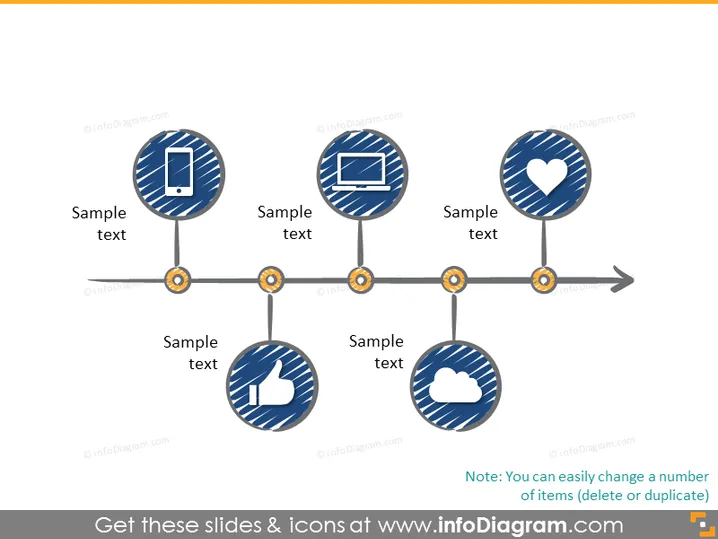
The slide presents a horizontal timeline with five circular icons interconnected by a line with nodes. Each icon represents a step or action, and they include a mobile phone, a laptop, a heart, a thumbs up, and a cloud, indicating a progression of concepts or processes like technology adoption, user engagement, approval, and cloud computing. Below each icon is a placeholder for "Sample text," suggesting a brief description or title can be added to clarify the step or concept each symbol represents.
The slide sports a clean and modern design with a simple color palette, facilitating easy comprehension of the sequence. The use of universally recognizable icons aids quick interpretation of the subject matter.



